GPT Image 1.5 – OpenAI AI Image Generation

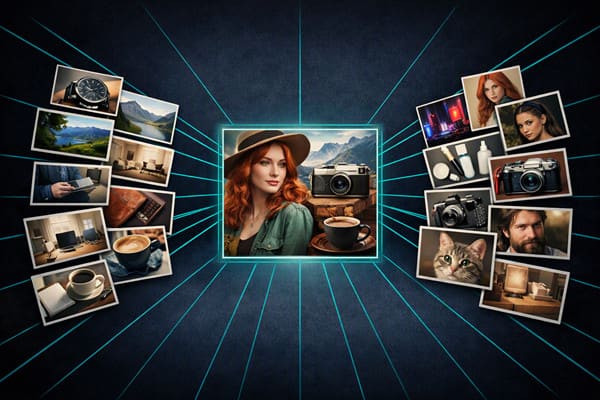
Powered by OpenAI's GPT Image 1.5 model, PixPal brings fast, instruction-following image generation and editing online. Create photorealistic visuals from text, refine existing photos with natural language, and guide outputs with up to 16 reference images—without leaving your creative workflow.

✨ OpenAI's December 2025 image model – up to 4× faster than GPT Image 1

Strong Instruction Following

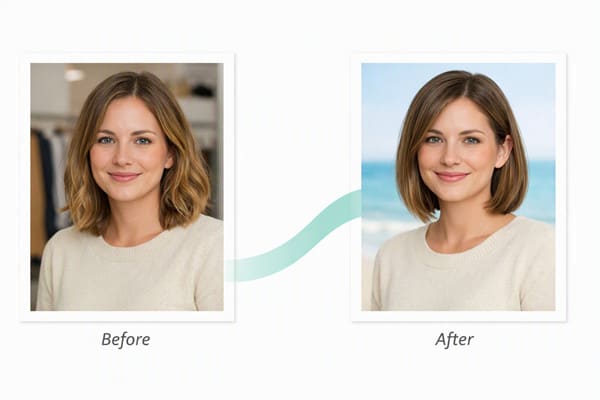
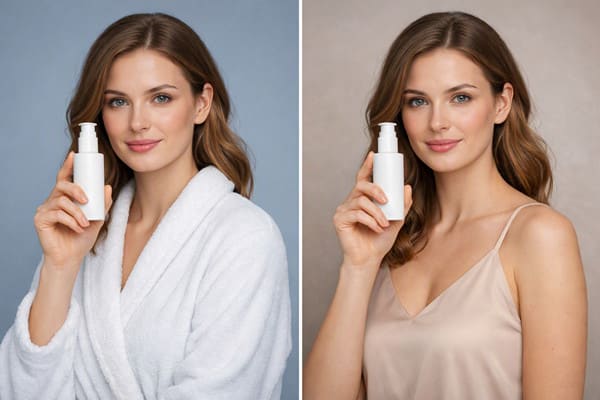
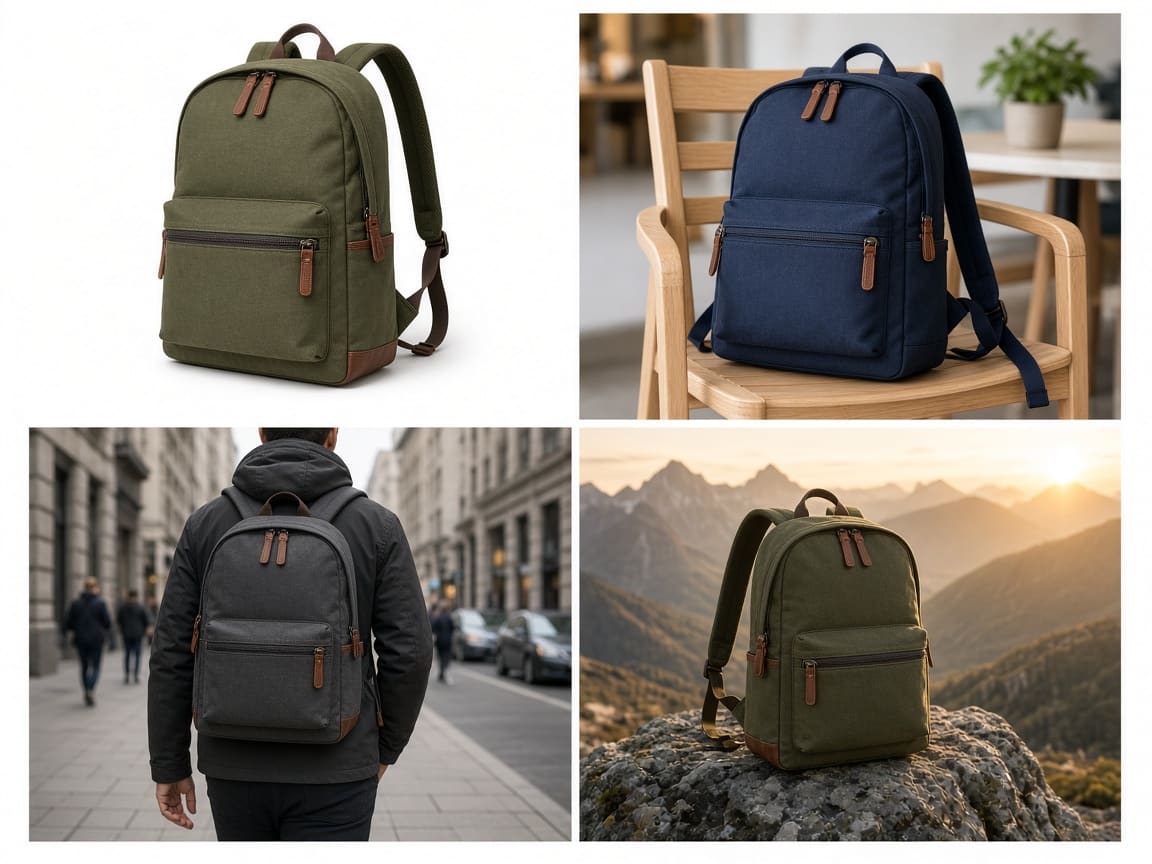
OpenAI designed GPT Image 1.5 to better match creative intent—especially when editing existing photos. Describe lighting changes, wardrobe swaps, background replacements, or stylistic filters in plain language, and the model applies targeted transformations while preserving important details like facial features and product branding. This makes it well suited for e-commerce variants, portrait touch-ups, and branded asset refreshes where consistency matters.

Identity & Logo Preservation

One of GPT Image 1.5's headline improvements over GPT Image 1 is consistent preservation of faces and logos across iterative edits. Whether you are refining a headshot, updating a product photo, or maintaining brand marks in a catalog of variants, the model is tuned to keep key visual anchors stable while applying the changes you request—reducing the need to regenerate from scratch.

Up to 16 Reference Images

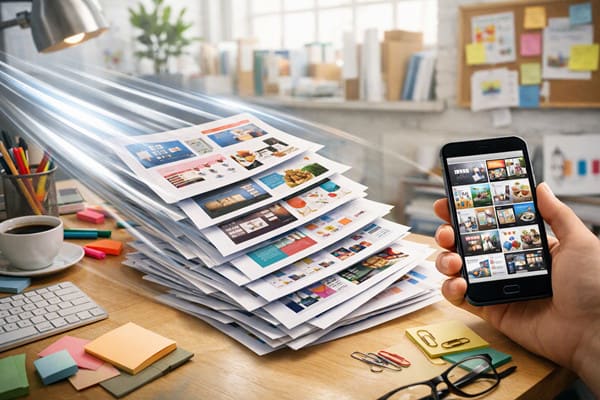
On PixPal, GPT Image 1.5 supports image-to-image workflows with up to 16 reference uploads per request. Combine product shots, style references, character photos, or layout guides to steer composition and visual direction. Reference-driven generation is ideal for composite scenes, mood boards turned into finals, and multi-asset campaigns where several visual inputs must align in one output.

Flexible Quality & Size Controls

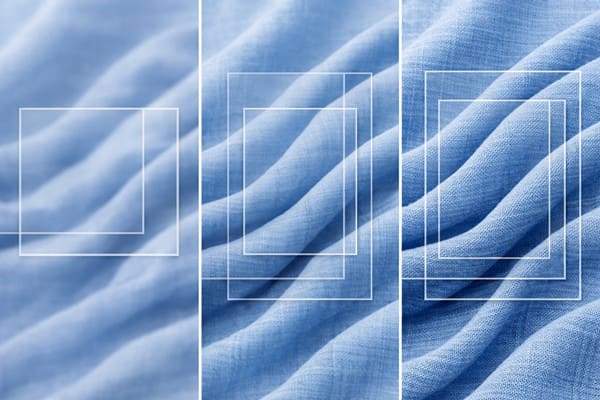
Choose Low quality for fast drafts and quick A/B tests, Medium for balanced everyday output, or High for maximum detail when you need sharper textures and finer rendering. Output sizes on PixPal include 1024×1024, 1024×1536, and 1536×1024, plus ratio shortcuts 1:1, 2:3, and 3:2—covering square social posts, portrait layouts, and landscape banners without upscaling to 4K (for that, see GPT Image 2 on PixPal).

Three steps with GPT Image 1.5

Phase 1

Add a reference

Upload a product photo, portrait, or mood board—or start from text only.

Phase 2

Describe your vision

Write layout, style, lighting, and props. GPT Image 1.5 follows detailed creative briefs.

Phase 3

Generate & export

Pick your favorite result and download high-resolution files ready for stores and ads.

Introduce

What is GPT Image 1.5

GPT Image 1.5 is OpenAI's image generation model released on December 16, 2025—the same model that powers the updated ChatGPT Images experience in the OpenAI app. It succeeds GPT Image 1 with stronger instruction following, more reliable preservation of facial likeness and branded logos across edits, and generation speeds up to four times faster than its predecessor. On PixPal, GPT Image 1.5 is available as a standalone generator for text-to-image creation and image-to-image editing. You can upload up to 16 reference images per request, choose Low, Medium, or High quality, and output at square (1024×1024), portrait (1024×1536), or landscape (1536×1024) dimensions—or use ratio presets like 1:1, 2:3, and 3:2. GPT Image 1.5 is a cost-efficient choice for marketing mockups, product visuals, social content, portrait retouching, and rapid creative iteration. While OpenAI's newer GPT Image 2 adds 4K output and expanded aspect ratios, GPT Image 1.5 remains an excellent balance of speed, fidelity, and affordability for everyday production work.

Fast affordable AI image generation with GPT Image 1.5

Fast Iteration at Lower Cost

OpenAI reports GPT Image 1.5 generates up to four times faster than GPT Image 1. On PixPal, it is ideal for high-volume brainstorming, variant testing, and social content pipelines where speed and budget both matter.

Practical AI photo editing with GPT Image 1.5

Built for Real Editing Workflows

Unlike novelty generators, GPT Image 1.5 excels at practical edits: clothing try-ons, hairstyle changes, background swaps, stylistic filters, and conceptual transformations that retain the essence of the source image. Marketers, designers, and e-commerce teams can start from real photos and iterate with natural language instead of rebuilding scenes from scratch.

Photorealistic AI images from GPT Image 1.5

Photorealistic Output Across Styles

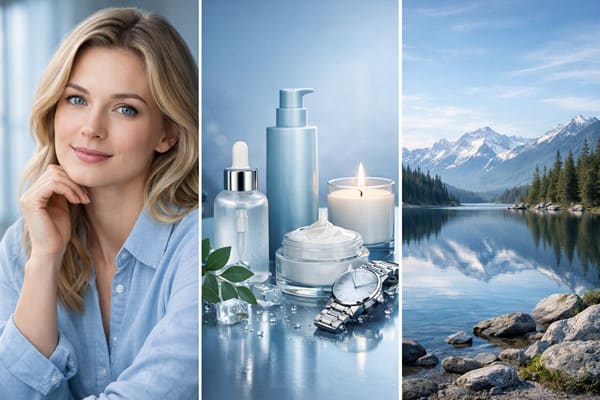
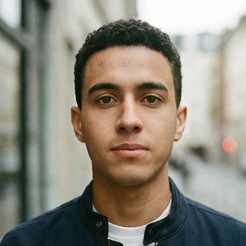
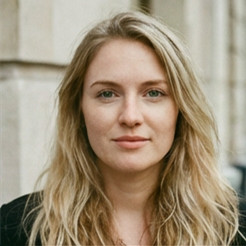
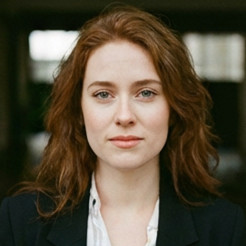
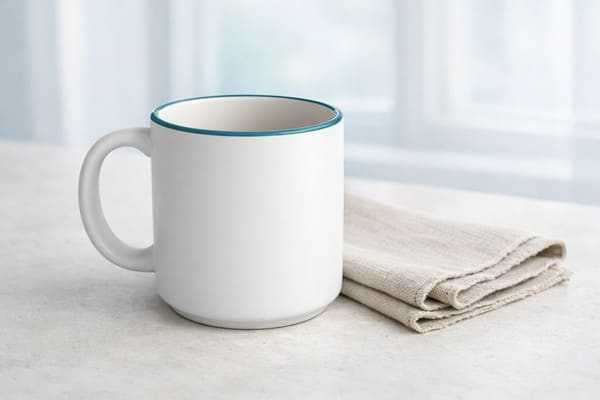
GPT Image 1.5 handles photorealistic portraits, product photography, landscapes, and illustrative styles with strong semantic understanding. Describe mood, lighting, camera angle, materials, and artistic direction in detail—the model interprets nuanced prompts and produces cohesive compositions suitable for web, ads, and presentation use at up to 1536px on the long edge.

What creators are saying

I stopped reshooting for small tweaks. PixPal gets believable model and product frames on the first pass.

Maya Chen

Commercial photographer

Localized poster copy finally renders correctly. One batch covers TikTok, Instagram, and print previews.

Leo Park

Social media lead

Storyboard reviews are smoother when talent looks consistent across frames. Clients sign off faster.

Elena Voss

Creative director

My catalog used to mix mismatched pack shots. Now labels stay consistent across lifestyle scenes.

Aisha Rahman

DTC brand owner

Questions & answers

Quick notes on licensing and workflow with GPT Image 1.5 on PixPal.

Start Creating with GPT Image 1.5

Experience OpenAI's fast, instruction-following image model on PixPal. Generate photorealistic visuals, edit with natural language, and iterate quickly.