Nano Banana 2 AI Image Generator and Editor

Google's Nano Banana 2 (Gemini 3.1 Flash Image) brings the quality and world knowledge of Nano Banana Pro to a faster, more affordable model. Create images from text, edit photos with up to 14 references, keep characters consistent, and choose any size from 0.5K drafts to 4K.

đź’ˇ Tip: turn on Web search when your prompt names a real place, product, or recent event

Web search built in

Switch on web search and the model checks real information and pictures before it draws, so real places and products look accurate.

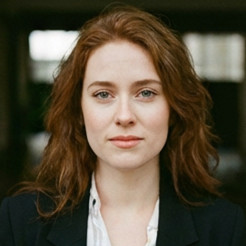
Edit with up to 14 images

Upload people, products, clothes, and places, then describe how to combine them into one new picture.

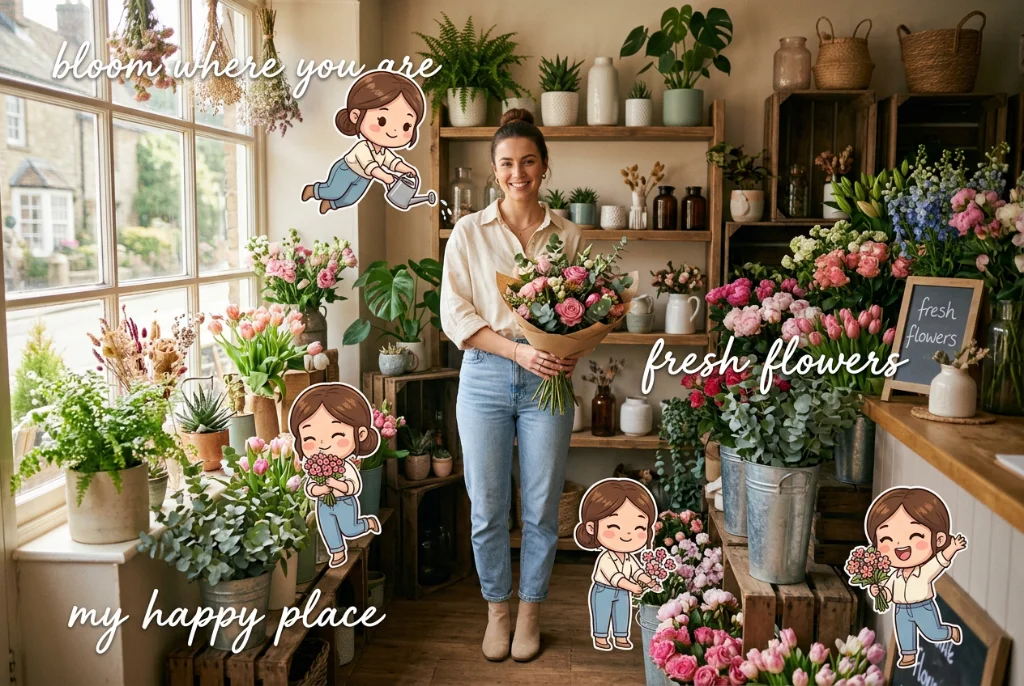
Consistent characters

Keep the same faces, outfits, and objects across a series of images for comics, storyboards, and campaigns.

Any shape, up to 4K

From 0.5K drafts to 4K, and from square posts to 8:1 banners and 1:8 vertical strips.

Three steps with Nano Banana 2

Step 1

Add a reference

Upload a product photo, portrait, or mood board—or start from text only.

Step 2

Describe your vision

Describe the layout, style, lighting, and props. Nano Banana 2 understands long, detailed prompts.

Step 3

Generate & export

Pick your favorite result and download high-resolution files ready for stores and ads.

Introduce

What is Nano Banana 2?

Nano Banana 2 is the nickname for Gemini 3.1 Flash Image, the image model Google DeepMind released on February 26, 2026. The original Nano Banana went viral in 2025 for its photo editing, and Nano Banana Pro later raised the bar for quality and text in images. Nano Banana 2 combines the two: Google describes it as delivering the advanced world knowledge, quality, and reasoning of Nano Banana Pro at Flash speed.

Because it's built on Gemini, Nano Banana 2 understands what you ask for rather than just matching keywords. It follows long, detailed prompts closely, can turn rough notes into clean diagrams and infographics, and renders text more accurately in many languages. It can also look things up: with web search on, it pulls real-time information and reference pictures from the web, so famous buildings, specific products, and current events look right instead of generic. For storytelling, Google says it keeps up to five characters and up to 14 objects consistent across a workflow.

On PixPal you can use Nano Banana 2 for both text-to-image and image-to-image. Describe a new picture, or upload up to 14 photos to edit, combine, or restyle. Pick a resolution of 0.5K, 1K, 2K (the default), or 4K, and choose from 15 aspect ratio options—including extra-tall 1:4 and 1:8 and extra-wide 4:1 and 8:1 shapes for banners and long scrolling graphics.
What you can make with Nano Banana 2

Everyday visuals for social media, marketing, learning, and storytelling—made fast.

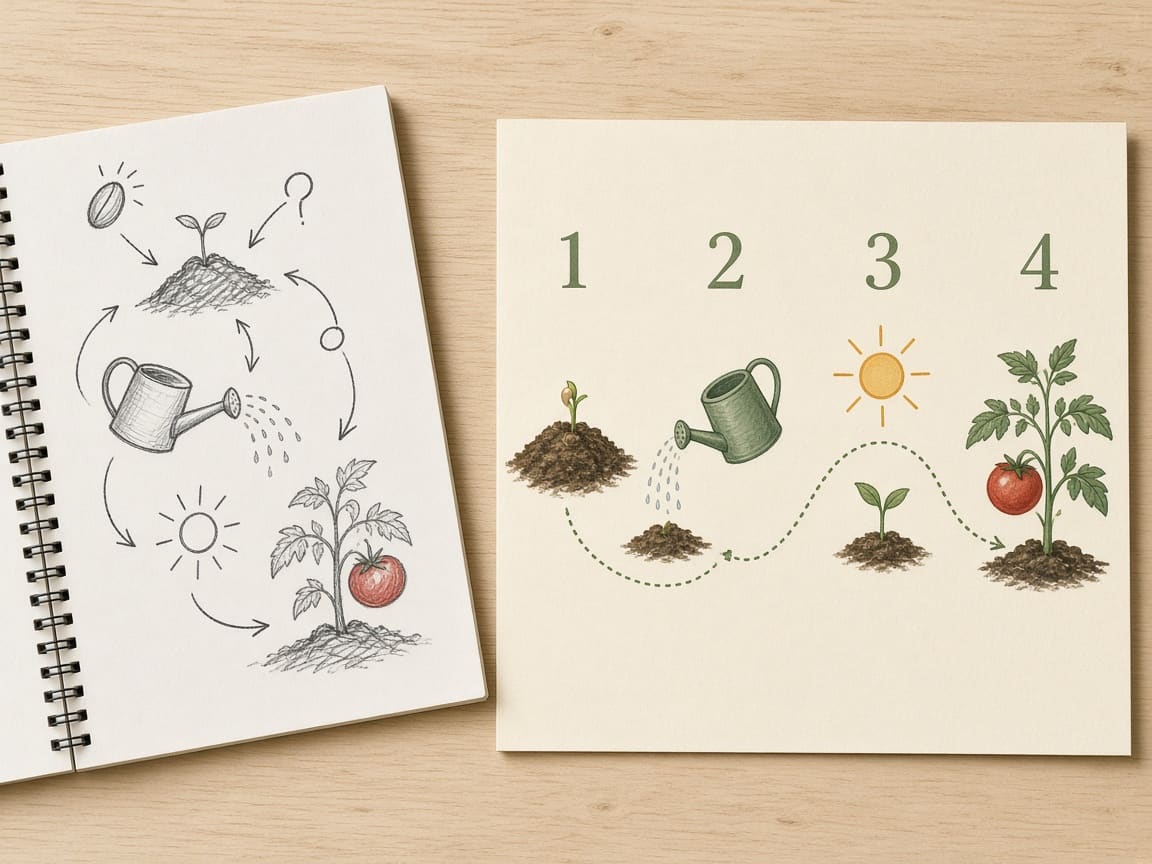
Handwritten notes about growing tomatoes turned into a clean four-step infographic

Infographics and diagrams from notes

Paste your notes or a rough outline and ask for a step-by-step infographic, a labeled diagram, or a simple chart. Nano Banana 2 uses Gemini's knowledge to organize the information and lay it out clearly. It's handy for blog posts, lesson slides, social carousels, and how-to guides—just double-check facts and numbers before you publish.

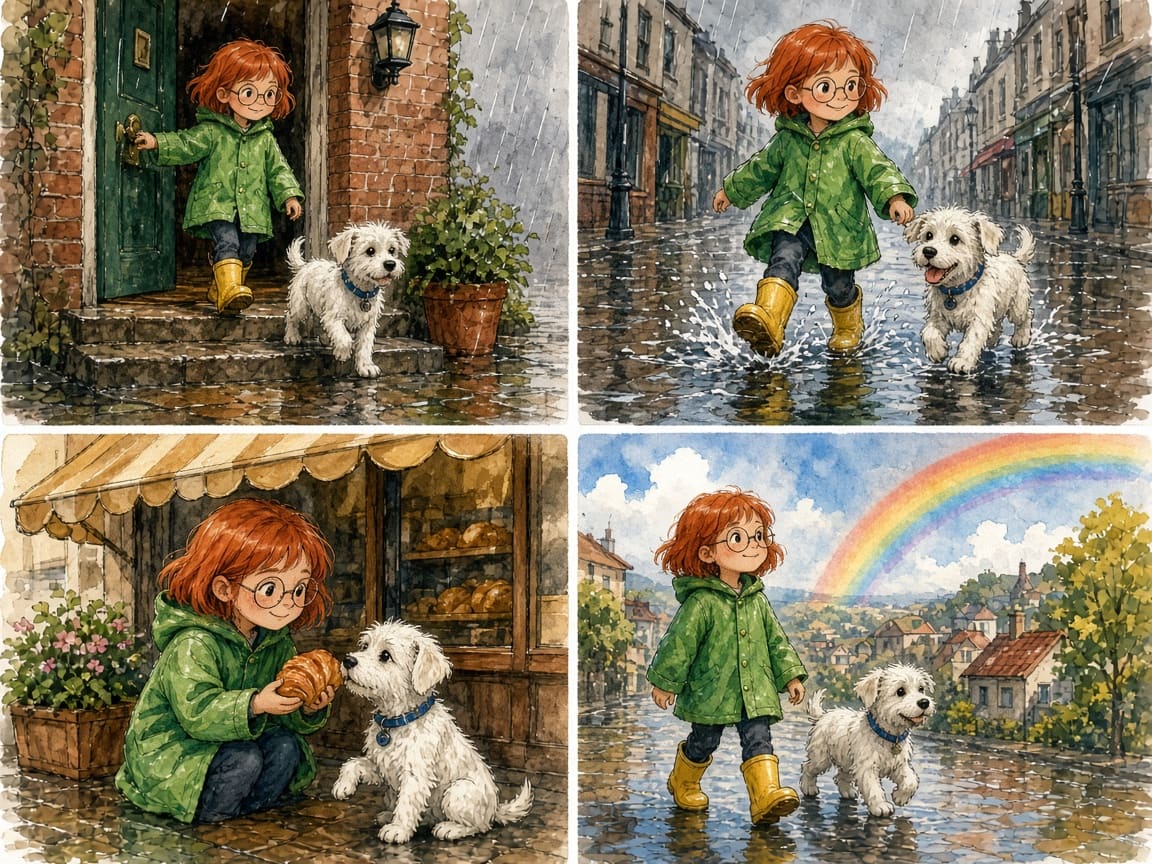
Watercolor storyboard of a girl in a green raincoat and her white dog, made with Nano Banana 2

Comics, storyboards, and character series

Create a character once, then place them in new scenes while their face, hair, and outfit stay the same. Google says Nano Banana 2 can keep up to five characters consistent at once, which makes it practical for picture books, comic strips, film storyboards, and mascot campaigns. Upload your earlier images as references for the most reliable match.

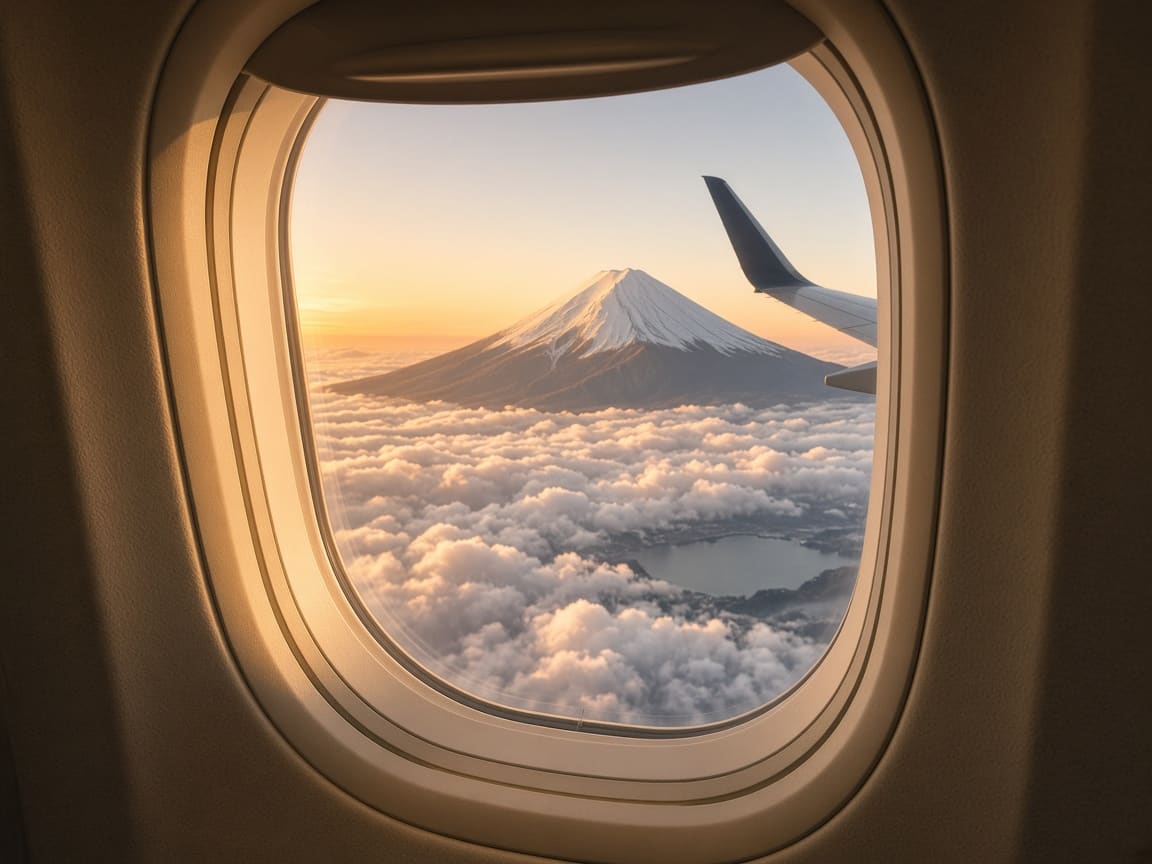
Realistic airplane window view of Mount Fuji above the clouds, created with web search on Nano Banana 2

Real places, products, and current events

Ask for a view of Mount Fuji from a plane window, a travel poster of a real city, or a scene about this week's news. With web search turned on, the model looks up real information and pictures first, so landmarks, weather, and details match reality instead of being guessed. It's useful for travel content, local marketing, and timely social posts.

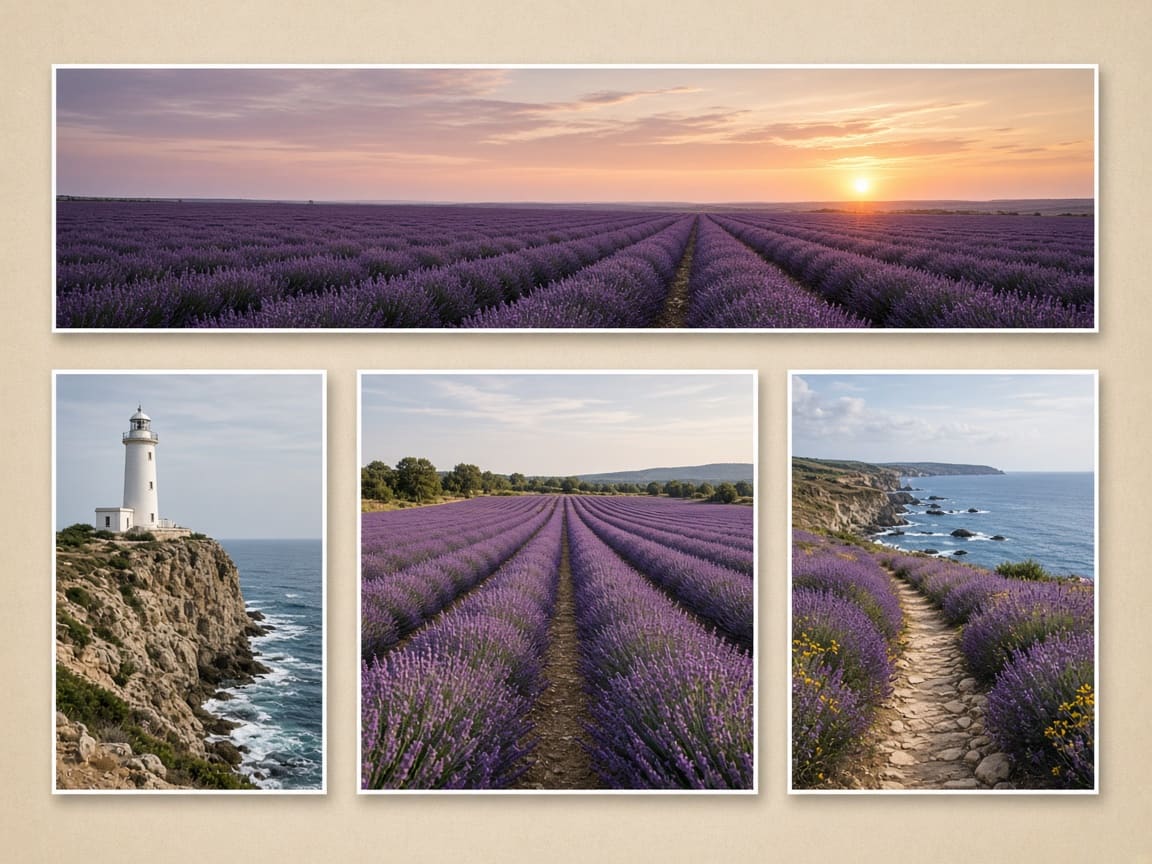
Lavender field banner and coastal photos in several aspect ratios made with Nano Banana 2

Banners, headers, and vertical graphics

Most image models stop at 16:9 or 21:9. Nano Banana 2 also supports 4:1 and 8:1 for website banners and email headers, and 1:4 and 1:8 for tall scrolling graphics, bookmarks, and Pinterest-style pins. You can still pick the usual 1:1, 4:5, 9:16, and 16:9 for Instagram, TikTok, and YouTube thumbnails.

Nano Banana 2 features and settings

Everything you can control in the PixPal image studio.

Text to image

Describe a scene in plain language and get a finished image that follows your details closely.

Image to image

Upload up to 14 images to edit, combine, restyle, or use as references.

Web search

An optional switch that lets the model check real-world information and pictures first.

Character consistency

Keep up to five characters and many objects looking the same across images.

0.5K, 1K, 2K, and 4K

2K is the default. Use 0.5K for fast tests and 4K for print and large displays.

15 aspect ratio options

Auto, 1:1, 1:4, 4:1, 1:8, 8:1, 2:3, 3:2, 3:4, 4:3, 4:5, 5:4, 9:16, 16:9, and 21:9.

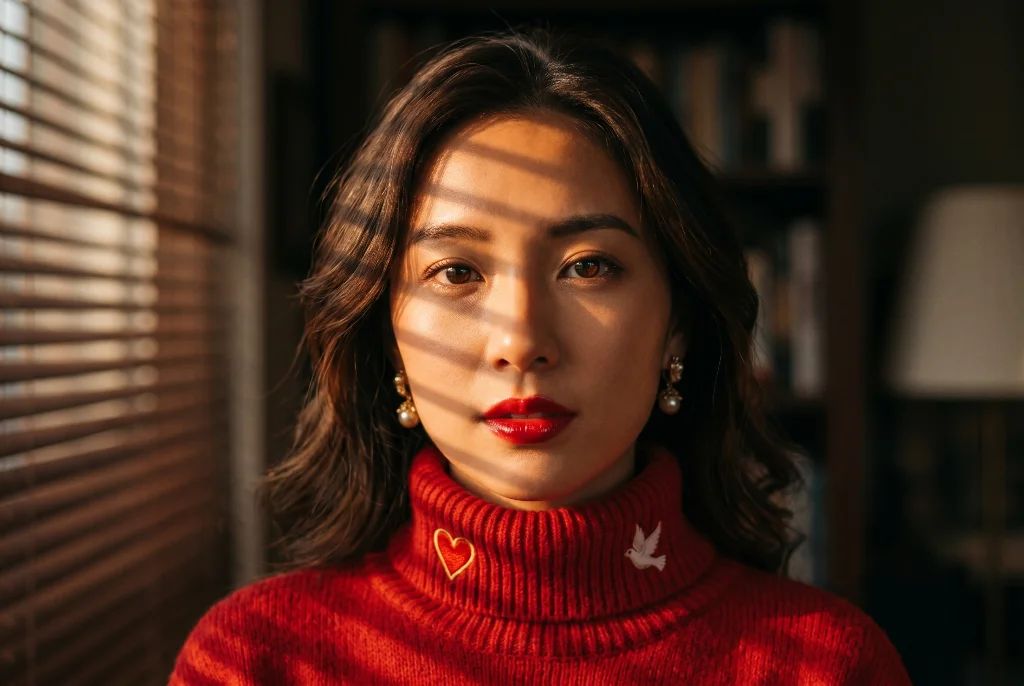
Portrait of a woman in a red turtleneck with window-blind light, created with Nano Banana 2

Pro-level quality at a lower price

Nano Banana 2 produces rich textures, natural lighting, and sharp detail close to Nano Banana Pro, but it runs faster and costs less. On PixPal, a Nano Banana 2 image uses fewer credits than a Nano Banana Pro image. That makes it a good everyday choice: create more versions, compare them, and keep the one you like.

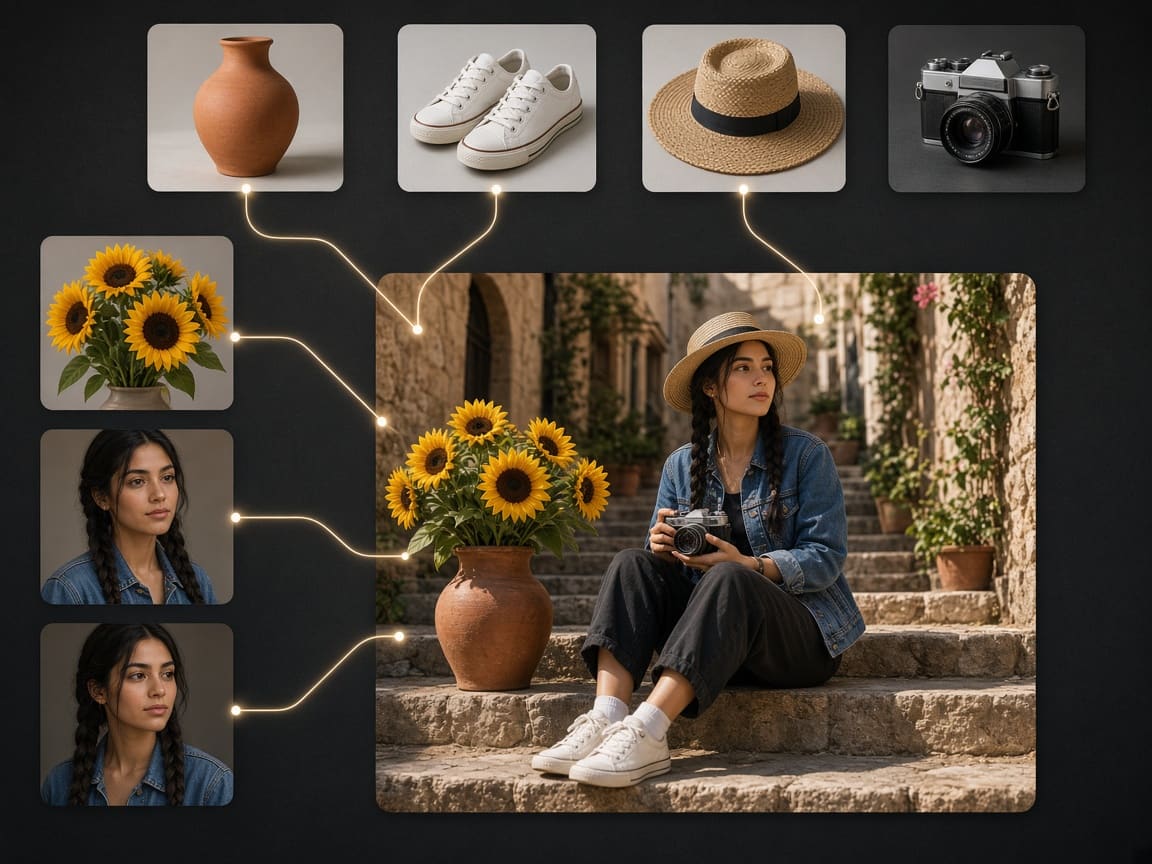
Vase, sneakers, hat, camera, sunflowers, and a portrait combined into one photo

Combine up to 14 images in one edit

Upload a person, the clothes they should wear, a product, and a location, and ask Nano Banana 2 to put them together. It's a fast way to make outfit try-ons, product lifestyle shots, and mood boards. In your prompt, say what each image is for—"use the hat from image 3 and the sneakers from image 2"—so the model knows what to keep.

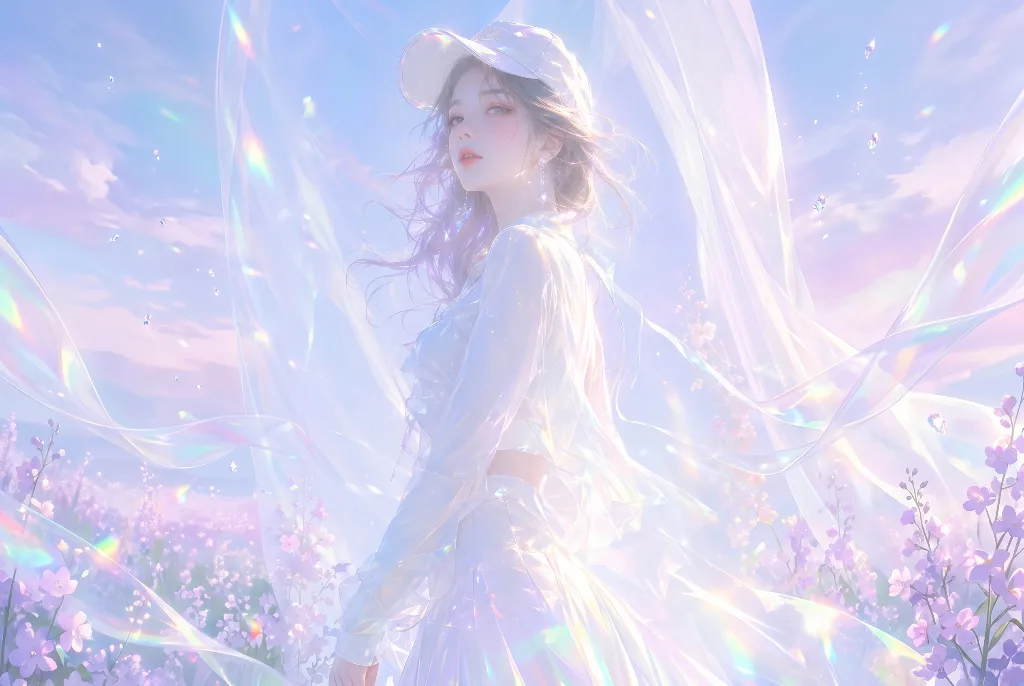
Dreamy illustration of a girl in iridescent fabric in a flower field, made with Nano Banana 2

From quick 0.5K drafts to 4K

Nano Banana 2 adds a new 0.5K (512px) size that generates quickly—perfect for testing ideas and layouts. When you're happy with the prompt, switch to 2K for web and social, or 4K for print, large banners, and images you want to crop. Each run creates a new image, so expect small differences between sizes.

What creators are saying

I turned a page of messy class notes into a clean infographic with Nano Banana 2. My students actually read it.

Maya Chen

Commercial photographer

My comic's main character looks the same in every panel with Nano Banana 2. I just upload the last panel as a reference.

Leo Park

Social media lead

The 8:1 banner size in Nano Banana 2 saved me so much cropping. Our website header came out right the first time.

Elena Voss

Creative director

With web search on, Nano Banana 2 drew our town's old clock tower correctly. Other tools just made up a random building.

Aisha Rahman

DTC brand owner

Nano Banana 2 FAQ

Everything you need to know about creating images with Google Nano Banana 2 on PixPal.

Start creating with Nano Banana 2

Pro-level images at Flash speed—edit with up to 14 photos and export up to 4K, right in your browser.