Nano Banana AI Photo Editor and Image Generator

Google's Nano Banana (Gemini 2.5 Flash Image) lets you edit a photo just by describing the change—swap the background, remove people, restore an old picture, or try on a new outfit. It keeps faces and pets looking like themselves, blends up to 6 images, and is the most affordable Google image model on PixPal.

💡 Tip: describe one change at a time, then keep editing the result

Edit by describing the change

Say "remove the people behind me" or "make it sunset," and Nano Banana edits just that part.

Still looks like you

Faces, hairstyles, and pets stay recognizable across new outfits, places, and styles.

Blend up to 6 images

Combine people, pets, products, and places into one natural-looking scene.

Low-cost Google model

At default settings it uses fewer credits than Nano Banana 2 or Pro, making it one of the most affordable ways to use Google's image AI on PixPal.

Three steps with Nano Banana

Step 1

Add a reference

Upload a product photo, portrait, or mood board—or start from text only.

Step 2

Describe your vision

Describe the layout, style, lighting, and props. Nano Banana understands long, detailed prompts.

Step 3

Generate & export

Pick your favorite result and download high-resolution files ready for stores and ads.

Introduce

What is Nano Banana?

Nano Banana is the nickname for Gemini 2.5 Flash Image, the image generation and editing model Google DeepMind announced on August 26, 2025. Before launch, it appeared anonymously on a public AI comparison site under the code name "nano-banana" and quickly topped the rankings for image editing. The name stuck.

What made Nano Banana special was photo editing that actually keeps people looking like themselves. Earlier AI tools often changed your face slightly with every edit; Nano Banana was designed so that friends, family, and even pets stay recognizable when you give them a new haircut, outfit, or location. You can also blend several photos into one scene, make changes step by step in plain language, and use Gemini's world knowledge to understand what you mean. It powered the famous "3D figurine" trend, in which people turned their photos into realistic collectible figures on a desk.

On PixPal you can use Nano Banana for both text-to-image and image-to-image. Upload up to 6 photos to edit or combine, or describe a new image from scratch. Choose from 8 aspect ratio options—Auto, 1:1, 2:3, 3:2, 3:4, 4:3, 9:16, and 16:9. Images come out at about 1K (1024 × 1024 pixels for square images), which is ideal for social media, profile pictures, and quick edits. For 2K or 4K output, use Nano Banana 2 or Nano Banana Pro.
What you can make with Nano Banana

Everyday photo edits and fun creations, done in seconds with a single sentence.

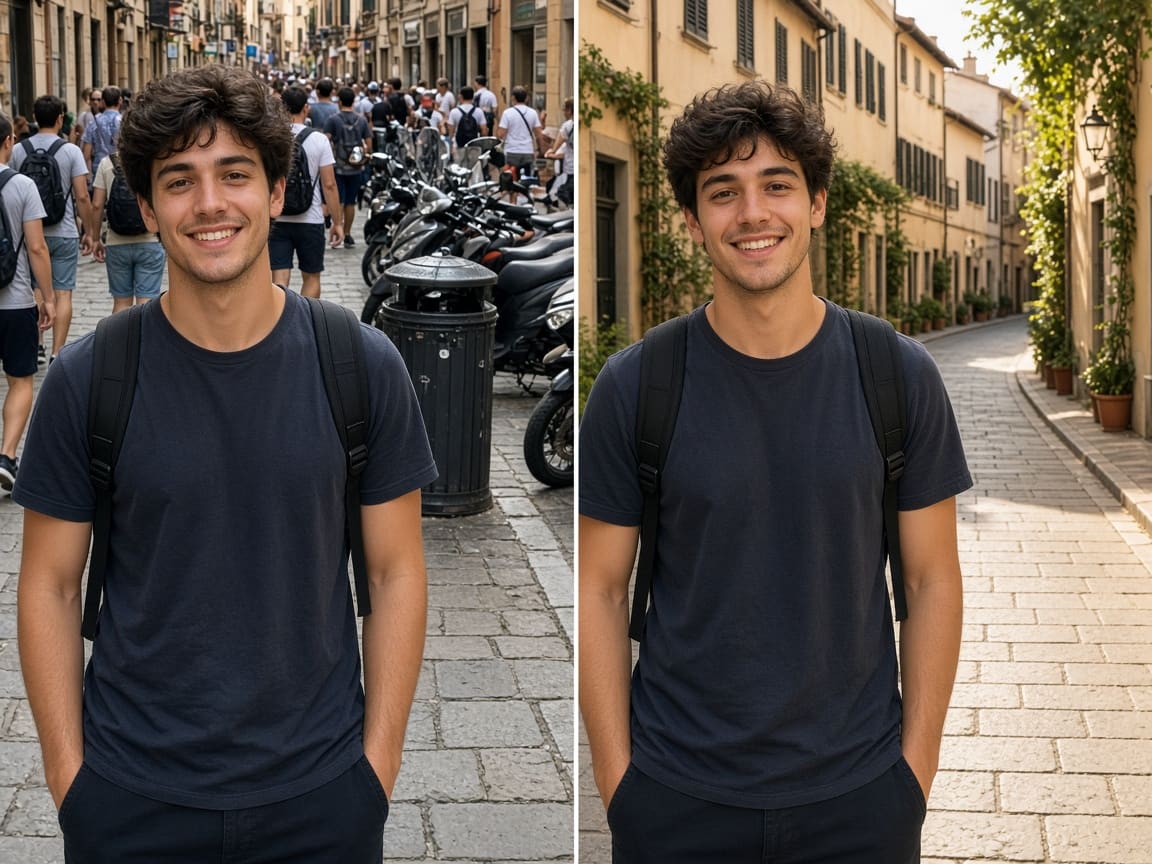
Before and after: a crowded street background removed with Nano Banana

Clean up and change backgrounds

Remove strangers, trash cans, and clutter from travel photos, replace a dull sky, or move yourself to a new location. Upload the photo and describe what you want gone or changed—Nano Banana edits that area and keeps the rest of the picture, including your face and pose, the same. It's a quick fix for holiday snaps, dating profiles, and product photos.

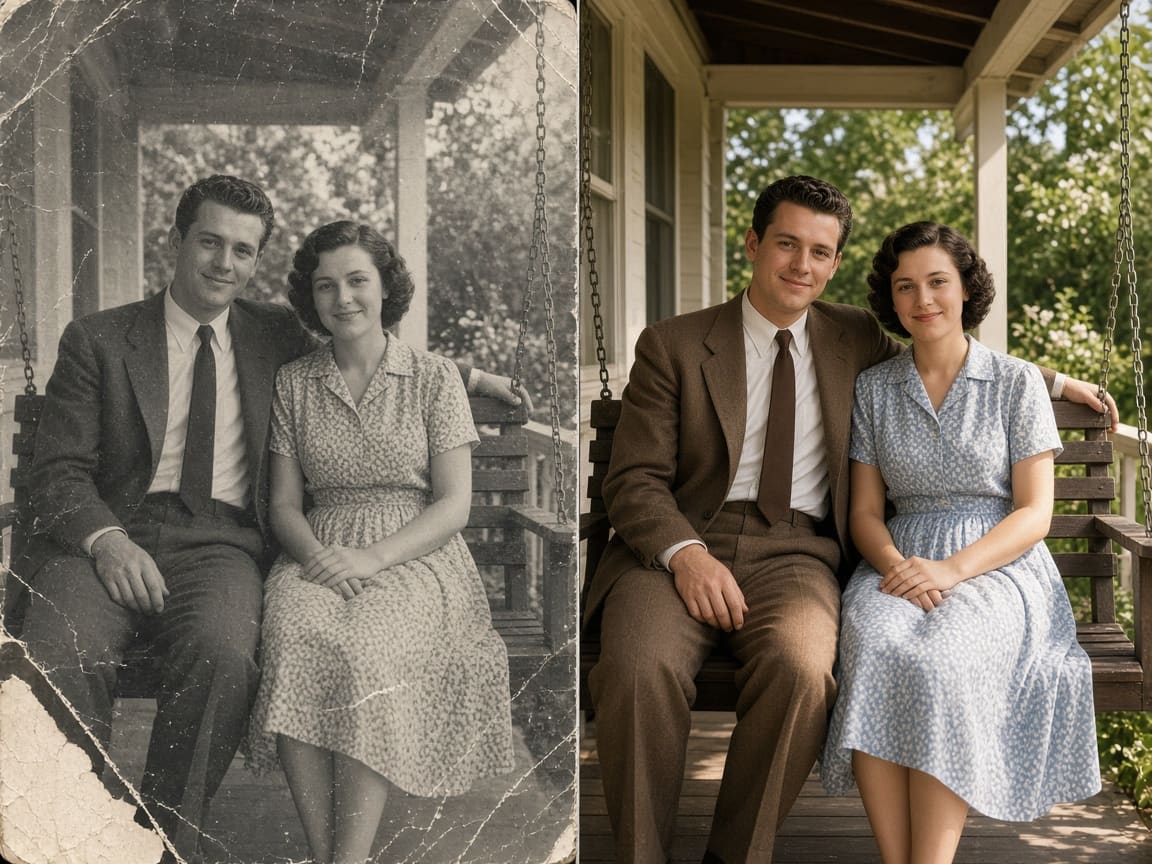
Damaged black-and-white photo of a couple restored and colorized with Nano Banana

Restore and colorize old photos

Bring faded, scratched, or torn family photos back to life. Ask Nano Banana to repair damage, sharpen faces, and add natural color, and it rebuilds the picture while keeping each person's features. It's a meaningful way to share family history—just remember the colors are the model's best guess, not a record of the original.

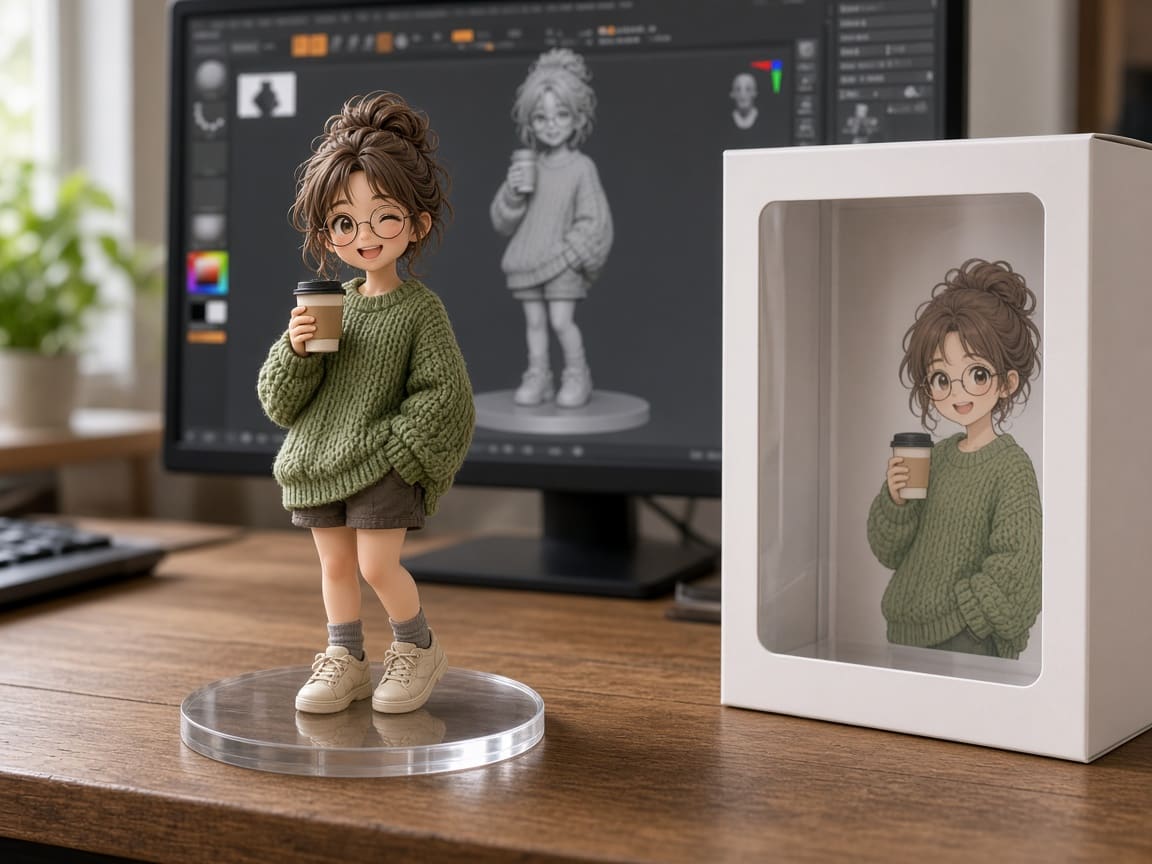
Collectible figurine of a girl with a coffee cup and its display box, made with Nano Banana

Figurines and viral photo trends

Turn yourself, your partner, or your pet into a realistic 1/7 scale collectible figure on a desk, complete with a display box—the trend that made Nano Banana famous. The same approach works for action figures, plush toys, claymation, and retro styles. Upload a clear photo and describe the style you want.

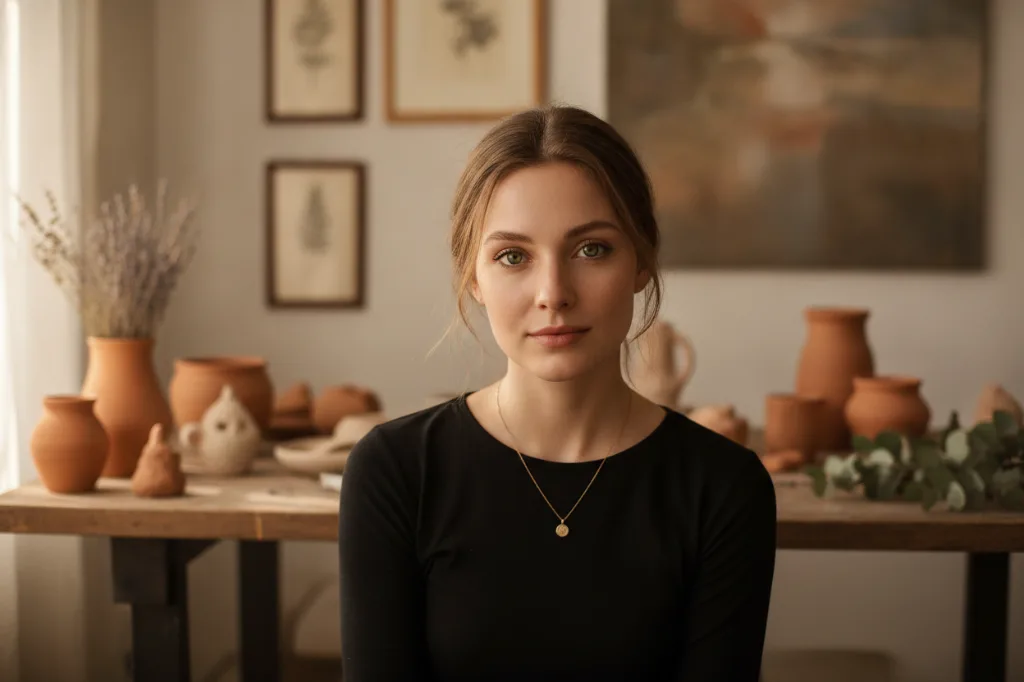
Natural portrait of a woman in a pottery studio, created with Nano Banana

Profile pictures and portraits

Create a polished headshot for LinkedIn, a cozy portrait for social media, or a new profile picture in a different style—without a photo shoot. Upload a few clear selfies and describe the outfit, background, and lighting. Because Nano Banana keeps your face consistent, the result still looks like you.

Nano Banana features and settings

Everything you can control in the PixPal image studio.

Text to image

Describe a scene in plain language and get a new image in seconds.

Image to image

Upload up to 6 photos to edit, restyle, restore, or blend together.

Likeness preserved

People and pets keep their faces and features across edits.

Targeted edits

Change one part of a photo—background, clothes, lighting—and keep the rest.

About 1K output

Around 1024 pixels, sized for social media, profile pictures, and the web.

8 aspect ratio options

Auto, 1:1, 2:3, 3:2, 3:4, 4:3, 9:16, and 16:9.

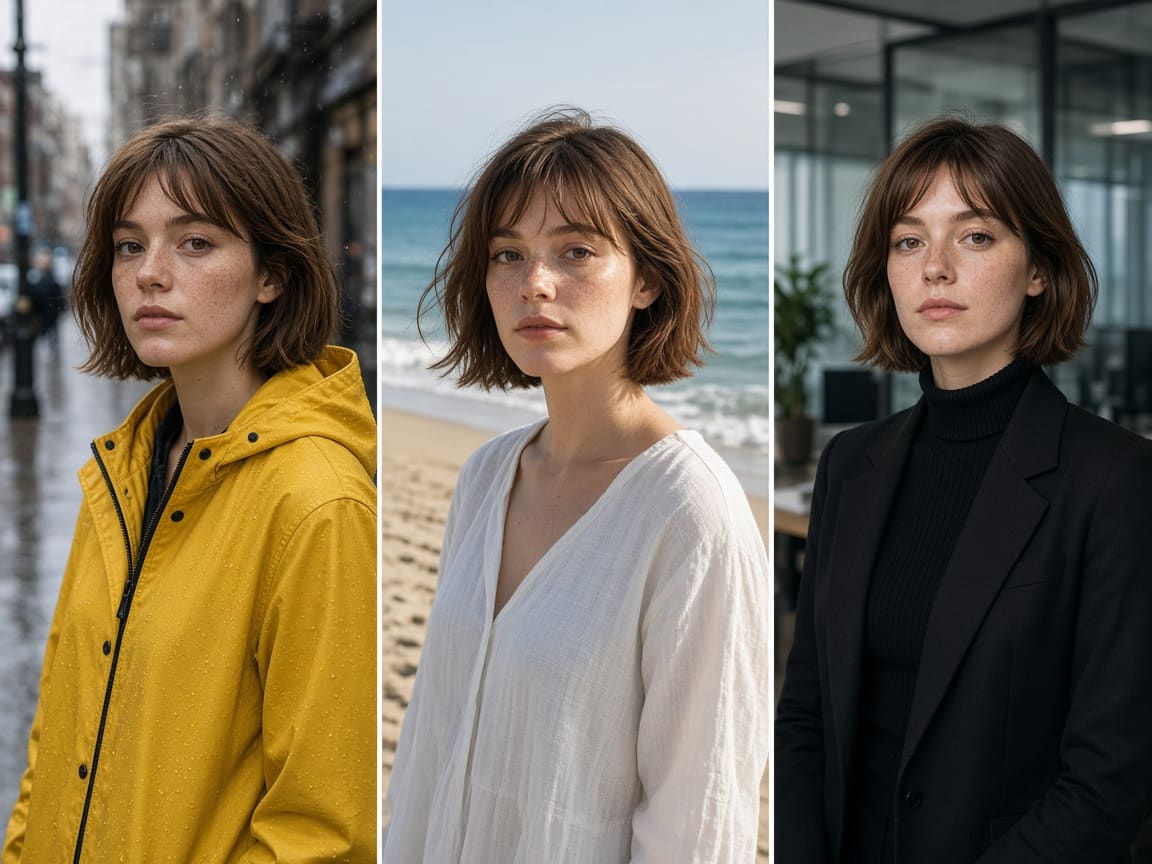
The same freckled woman in a raincoat, a linen dress, and a blazer, made with Nano Banana

You still look like you

Google built Nano Banana to fix a common problem with AI edits: faces that come out "close, but not quite right." Try a new haircut, a different decade, or three outfits in three places, and the person in the photo stays recognizable. The same goes for pets and products, which makes it useful for fashion try-ons, family fun, and simple product shots.

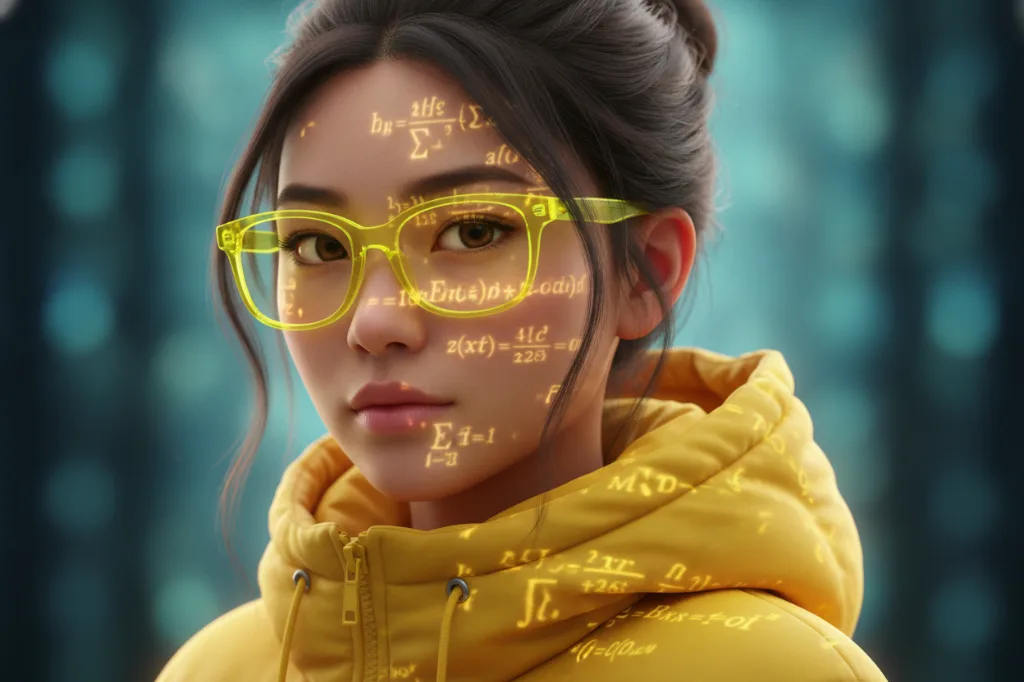
Portrait of a woman in a yellow hoodie with glowing formulas, created with Nano Banana

An affordable Google image model

At default settings, a Nano Banana image uses fewer credits on PixPal than Nano Banana 2 or Nano Banana Pro. That makes it a good choice for everyday edits, experiments, and trying lots of ideas. Move up to Nano Banana 2 or Pro when you need sharper text, higher resolution, or more reference images.
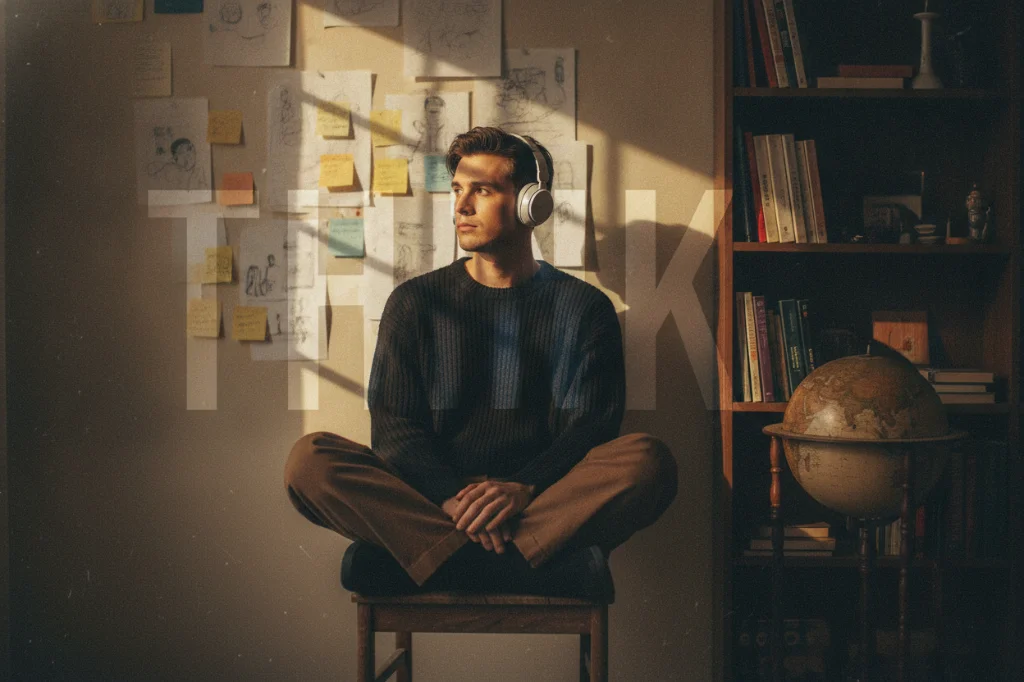
Man in headphones in a sunlit study with a large word overlay, created with Nano Banana

Edit step by step

You don't need the perfect prompt on the first try. Start with a photo, change one thing, then upload the result and change the next—paint the walls, add a bookshelf, adjust the lighting. Small, clear instructions give the most reliable results, and you can combine up to 6 images at any step.

What creators are saying

I restored my grandparents' wedding photo with Nano Banana. My mom cried when she saw it in color.

Maya Chen

Commercial photographer

I asked Nano Banana to remove the tourists behind me and it did, without changing my face at all.

Leo Park

Social media lead

The figurine of my cat made with Nano Banana got more likes than anything I've ever posted.

Elena Voss

Creative director

Nano Banana is cheap enough that I use it for all my quick everyday edits. I save the bigger models for special projects.

Aisha Rahman

DTC brand owner

Nano Banana FAQ

Everything you need to know about editing and creating images with Google Nano Banana on PixPal.

Start editing with Nano Banana

Change backgrounds, restore old photos, and make viral figurines with one sentence—right in your browser.