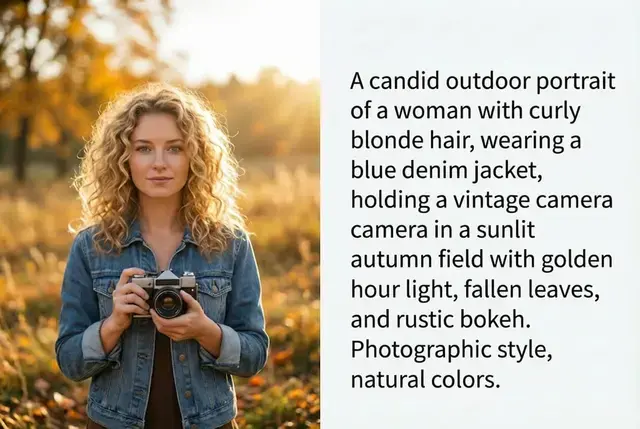
Image to Prompt Extract Text from Any Image

Upload artwork or photos and get structured prompts describing style, subject, lighting, and composition. Learn prompt engineering faster—or recreate looks in Midjourney, Stable Diffusion, and PixPal.

🎯 Turn visuals into reusable prompt text

AI Image to Prompt Technology Overview

Get started with Image to Prompt in 3 steps

Step 1

Upload

Drag and drop or choose a file—JPG, PNG, and WebP supported.

Step 2

Process

PixPal runs Image to Prompt with AI—results appear in seconds.

Step 3

Download in HD

Export your finished image and use it anywhere.

About the Tool

What Is Image to Prompt?

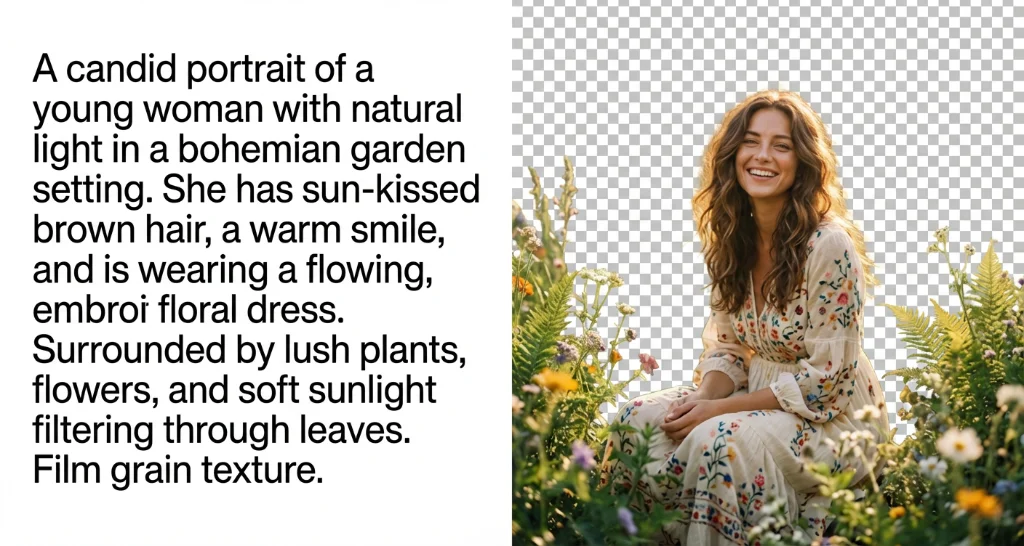
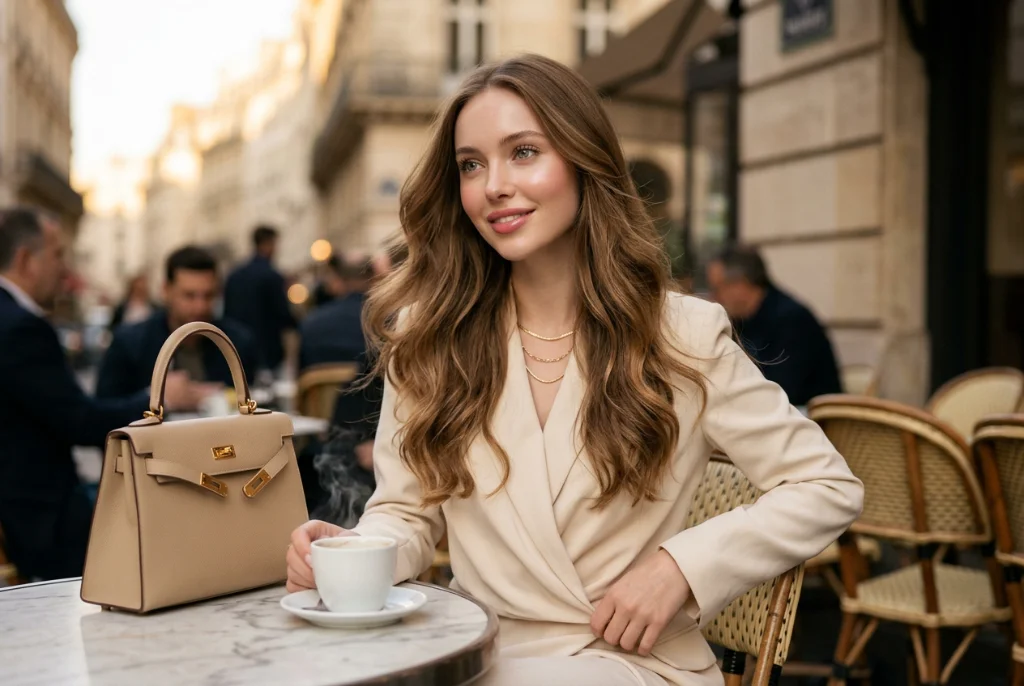
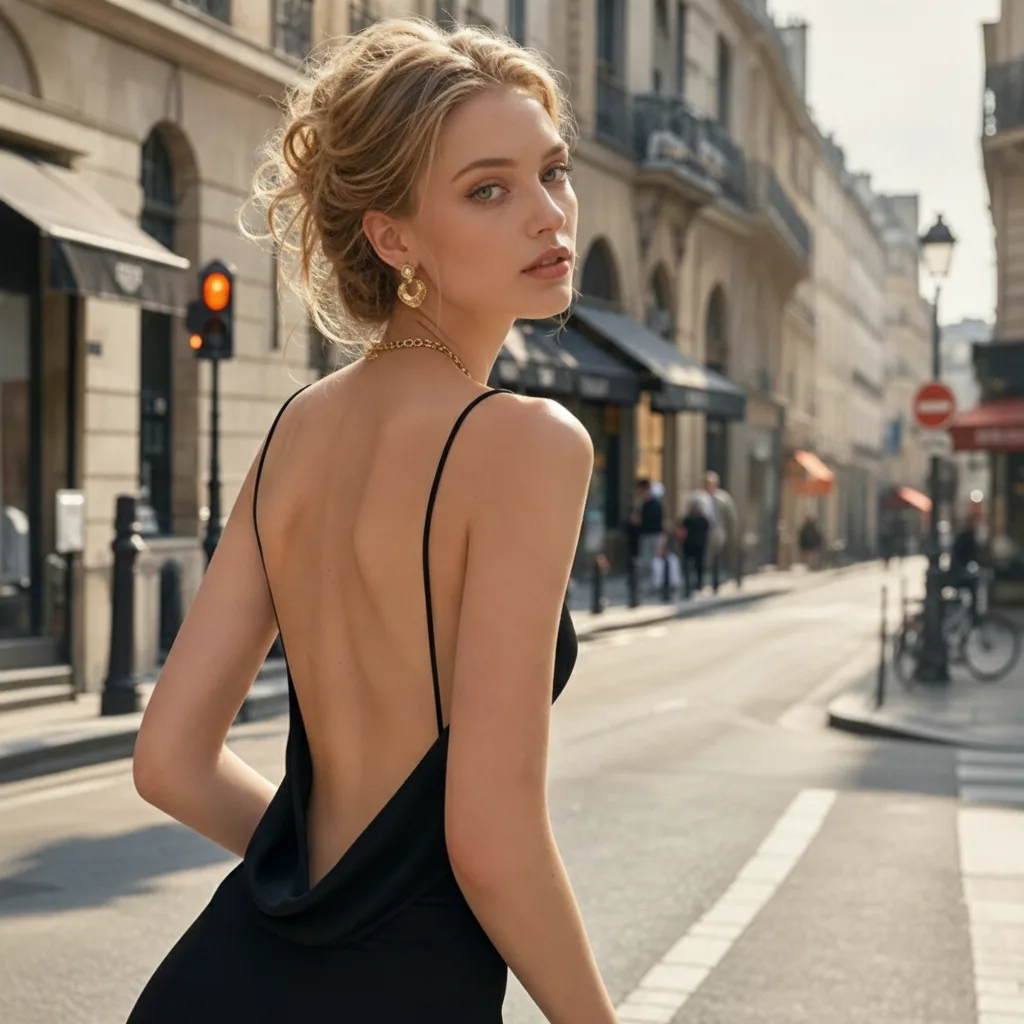
Vision AI reads an image and writes a detailed natural-language prompt you can paste into generators. It captures subjects, artistic style, camera cues, color palettes, and quality tags—useful for reverse-engineering AI art or documenting reference boards.
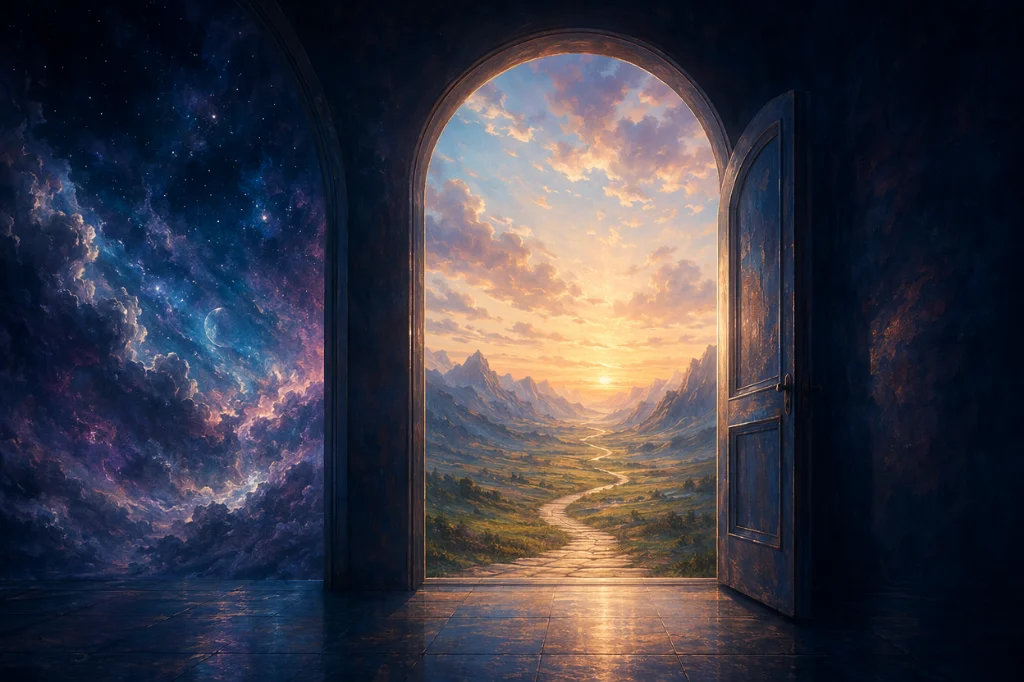
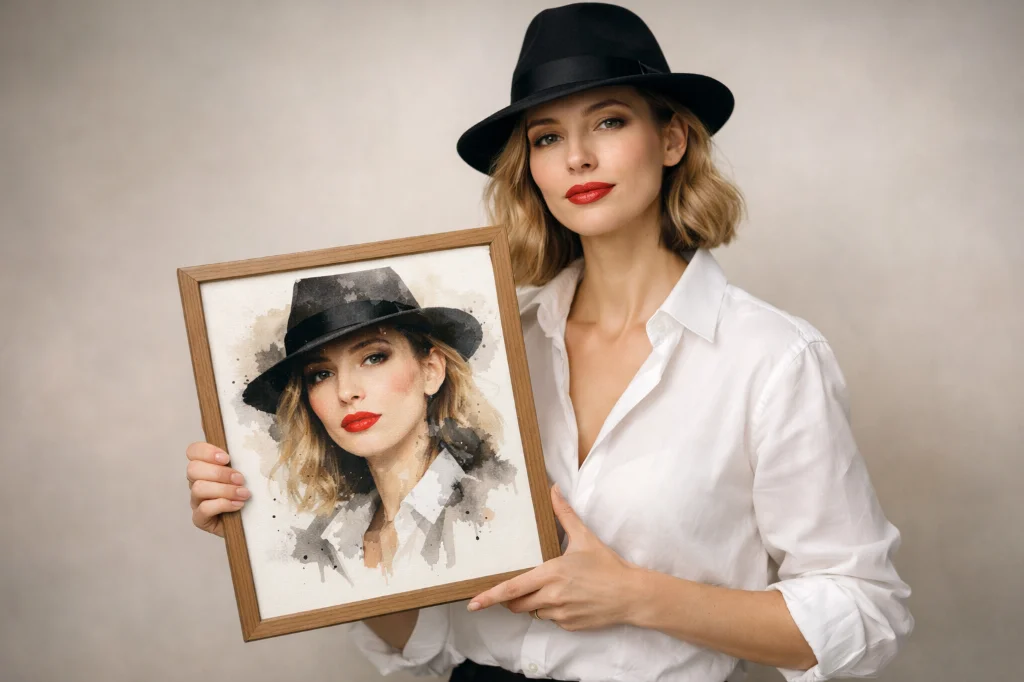
Free Online Image to Prompt

Free to Explore

Test the analyzer with daily credits before committing to larger creative projects.

Reverse Engineer AI Art with Image to Prompt

Reverse-Engineer References

Break down inspiration images into reusable text recipes for your next campaign or illustration.

Multi-Format Image to Prompt Support

Document Mood Boards

Attach prompt text to reference assets so teammates can reproduce a look consistently.

Boost your workflow with proven numbers

3x

Faster processing

99%

Edge accuracy

4K

Quality export

50%+

Time saved on edits

From quick edits to full redesigns— it's all here

Smart Image to Prompt Analysis

Deep Visual Analysis

Models identify objects, mood, medium, and composition so the output reflects what humans actually see in the frame.

Detailed Image to Prompt Output

Generator-Ready Text

Results include subject lines, style keywords, and quality modifiers formatted for popular diffusion tools.

Learn Prompt Engineering with Image to Prompt

Learn by Example

Compare strong prompts side-by-side with source images to improve your own prompt writing skills.

Fast Image to Prompt Results

Fast Online Workflow

No extensions required—upload, analyze, and copy the prompt in seconds.

Don't just take our word for it

PixPal tools make my product photos look professional in minutes. I can finish edits without opening Photoshop.

Nina Ortiz

Etsy seller

I use PixPal daily for social posts. The AI is accurate, and the workflow is fast.

Marcus Lee

Content creator

High-resolution export is a game-changer. Details stay sharp even after heavy AI processing.

Daniel Kim

Photographer

Batch-friendly tools save me hours on product catalogs. Fast, reliable, studio-quality results.

Priya Shah

Business owner

FAQs

Quick answers about Image to Prompt on PixPal.

Extract Your First Prompt

Drop in a reference image and copy a detailed prompt—start experimenting in seconds.