Finer Control for Production Image Workflows

GPT Image 2.5 adds more quality tiers and transparent output on PixPal. Pick Sunburst when edit fidelity matters most, or Flare when you need faster everyday batches—same parameter surface either way.

✨ Evolink GPT Image 2.5 – Sunburst & Flare · up to 4K · transparent PNG

Sunburst

Prioritize edit fidelity when reference matching matters.

Flare

Faster runs for everyday high-quality batch work.

Transparent Output

Preview alpha backgrounds with PNG or WebP.

Fine Quality Tiers

Low → medium → high → xhigh → max for cost control.

Three steps with GPT Image 2.5

Phase 1

Add a reference

Upload a product photo, portrait, or mood board—or start from text only.

Phase 2

Describe your vision

Write layout, style, lighting, and props. GPT Image 2.5 follows detailed creative briefs.

Phase 3

Generate & export

Pick your favorite result and download high-resolution files ready for stores and ads.

Introduce

What is GPT Image 2.5

GPT Image 2.5 is OpenAI's next image generation family on Evolink, available on PixPal as two official-channel models: gpt-image-2.5-sunburst (edit precision first) and gpt-image-2.5-flare (faster batch-friendly output). Both share the same controls—aspect ratio or explicit pixels, 1K/2K/4K resolution shortcuts, quality from low through max, batch count 1–10, optional transparent backgrounds, and PNG/JPEG/WebP output. Use up to 16 reference images for image-to-image edits. Compared with GPT Image 2, the quality ladder is finer: medium and high on 2.5 use fewer output tokens than the same-named tiers on Image 2.
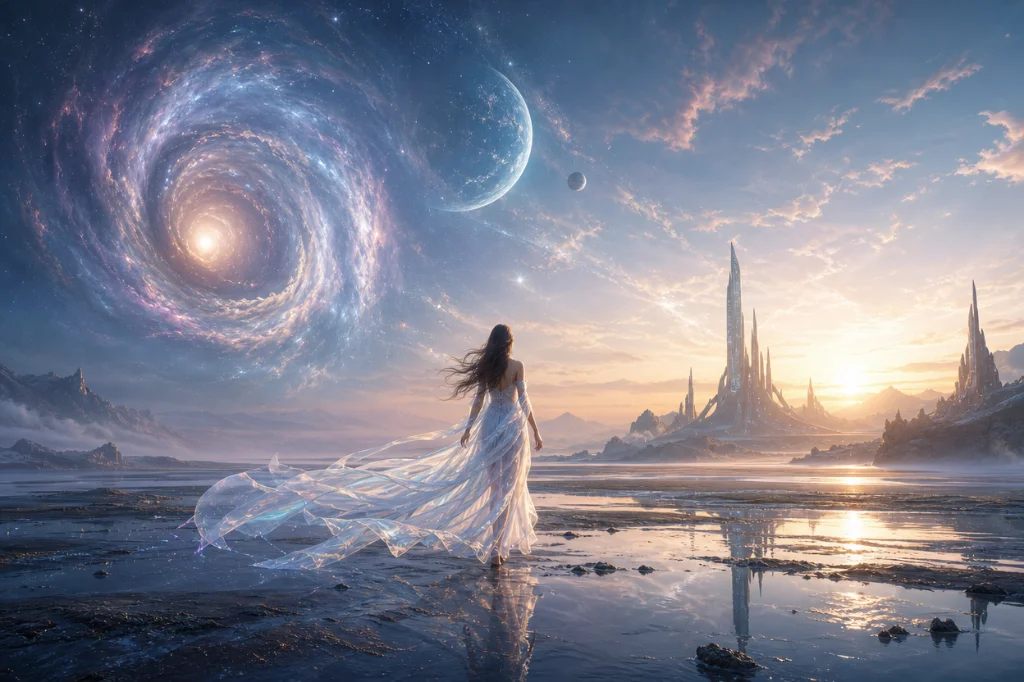

Sunburst and Flare on PixPal

Pick fidelity or speed without relearning UI

Sunburst and Flare take the same size, resolution, quality, and reference options—swap models when the brief changes, keep the rest of your workflow.

Cost-efficient quality tiers

Cheaper mid tiers than GPT Image 2 namesakes

At the same quality label, 2.5 medium/high typically use about a quarter of the output tokens of GPT Image 2—use low for drafts and max only when you need Image-2-high-class detail.

Transparent background output

Transparent PNG / WebP (preview)

Set background to transparent for cutouts and compositing. PixPal forces PNG/WebP when transparency is on so JPEG cannot drop the alpha channel.

What creators are saying

I stopped reshooting for small tweaks. PixPal gets believable model and product frames on the first pass.

Maya Chen

Commercial photographer

Localized poster copy finally renders correctly. One batch covers TikTok, Instagram, and print previews.

Leo Park

Social media lead

Storyboard reviews are smoother when talent looks consistent across frames. Clients sign off faster.

Elena Voss

Creative director

My catalog used to mix mismatched pack shots. Now labels stay consistent across lifestyle scenes.

Aisha Rahman

DTC brand owner

Questions & answers

Quick notes on licensing and workflow with GPT Image 2.5 on PixPal.

Try GPT Image 2.5 on PixPal

Open Sunburst or Flare in the AI Image workspace—same controls, clearer quality/cost dials.