Image Upscaler AI - Enhance Photos Online Free

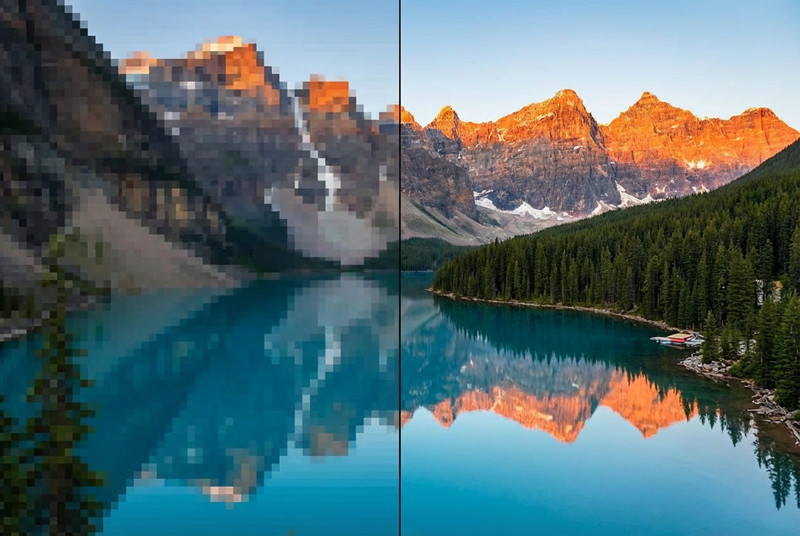
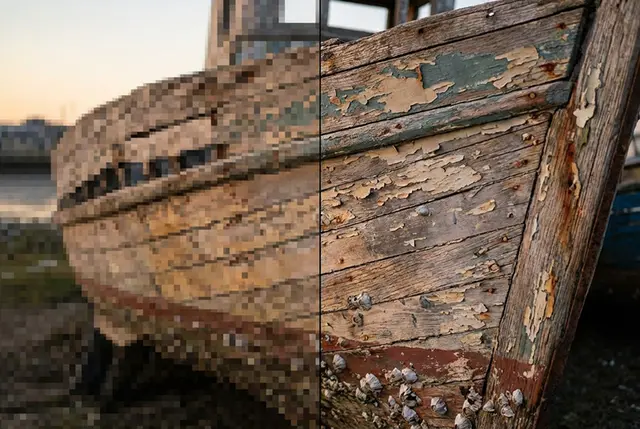
Boost resolution up to 4× with super-resolution AI—sharp edges, cleaner textures, and print-ready detail. Ideal for e-commerce zooms, old scans, and social crops that need extra clarity.

🔍 Upscale to 4K or 8K with one upload

AI Image Upscaler Technology Overview

Get started with Image Upscaler in 3 steps

Step 1

Upload

Drag and drop or choose a file—JPG, PNG, and WebP supported.

Step 2

Process

PixPal runs Image Upscaler with AI—results appear in seconds.

Step 3

Download in HD

Export your finished image and use it anywhere.

About the Tool

What Is AI Upscaling?

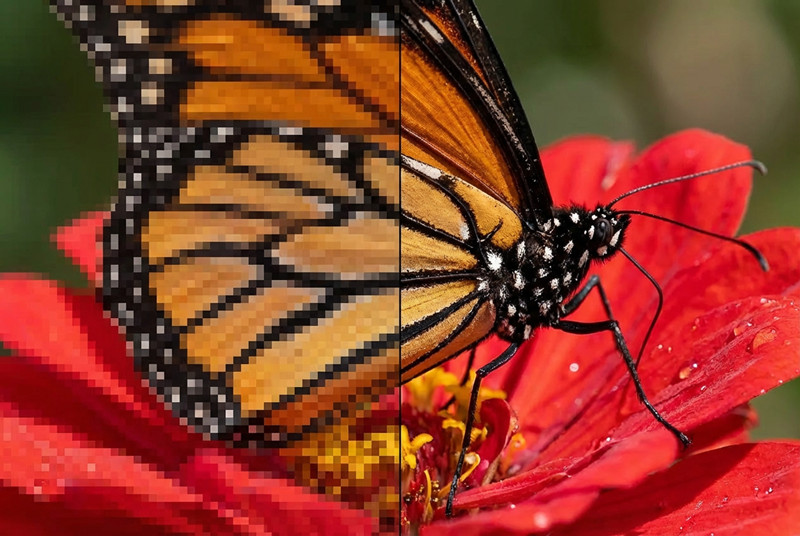
AI upscaling adds realistic detail when enlarging photos—far beyond basic interpolation. Neural networks analyze structure and reconstruct high-frequency information so enlargements stay crisp for web, print, and marketplace requirements.
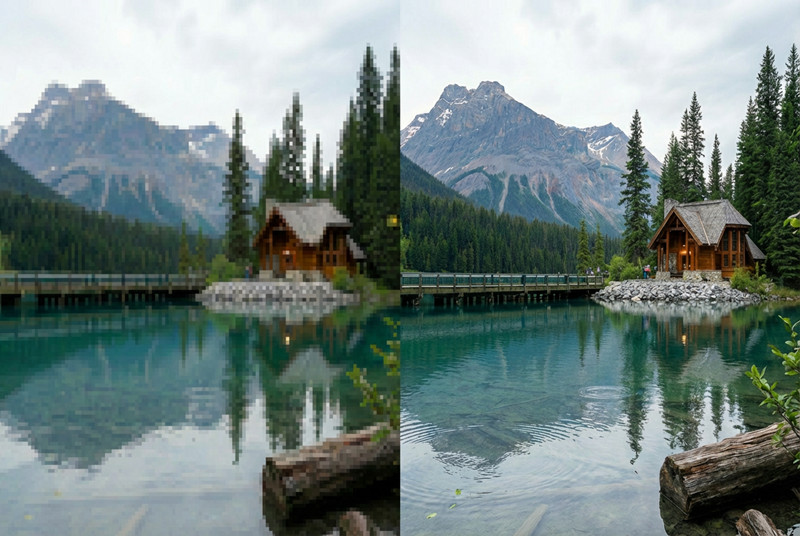
Free Online Image Upscaler

E-Commerce Ready

Meet marketplace zoom requirements and make product textures readable at full size.

Professional Image Upscaler for Printing

Print & Presentation

Rescue low-res logos and event photos for posters, decks, and large displays.

Batch Image Upscaler

Archive Recovery

Improve scanned family albums or legacy marketing files before republishing.

Boost your workflow with proven numbers

3x

Faster processing

99%

Edge accuracy

4K

Quality export

50%+

Time saved on edits

From quick edits to full redesigns— it's all here

Smart Image Upscaler Algorithm

Super-Resolution Models

Trained on millions of samples, the enhancer predicts missing pixels intelligently instead of stretching blocks of color.

Upscale Images 4x Resolution

Up to 4× Enlargement

Turn 720p assets into 4K-ready files or rescue small supplier photos for large hero banners.

Preserve Image Quality When Upscaling

Artifact Cleanup

Reduce compression noise, mild blur, and jagged edges while scaling—especially on older JPG exports.

Fast Image Upscaler Results

Instant Online Results

No installs: upload, pick a scale factor, and download enhanced files in seconds.

Don't just take our word for it

PixPal tools make my product photos look professional in minutes. I can finish edits without opening Photoshop.

Nina Ortiz

Etsy seller

I use PixPal daily for social posts. The AI is accurate, and the workflow is fast.

Marcus Lee

Content creator

High-resolution export is a game-changer. Details stay sharp even after heavy AI processing.

Daniel Kim

Photographer

Batch-friendly tools save me hours on product catalogs. Fast, reliable, studio-quality results.

Priya Shah

Business owner

FAQs

Quick answers about Image Upscaler on PixPal.

Enhance Your Photos Now

Upload a low-resolution file and see super-resolution AI recover detail—in minutes, online.