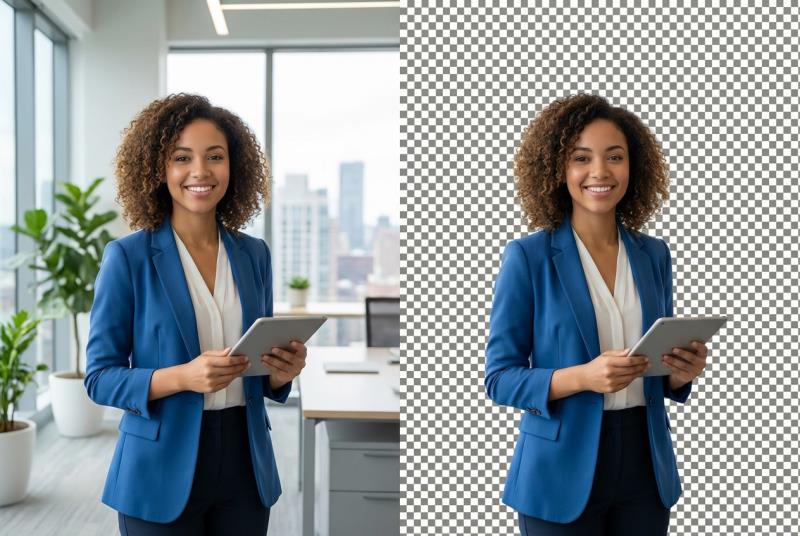
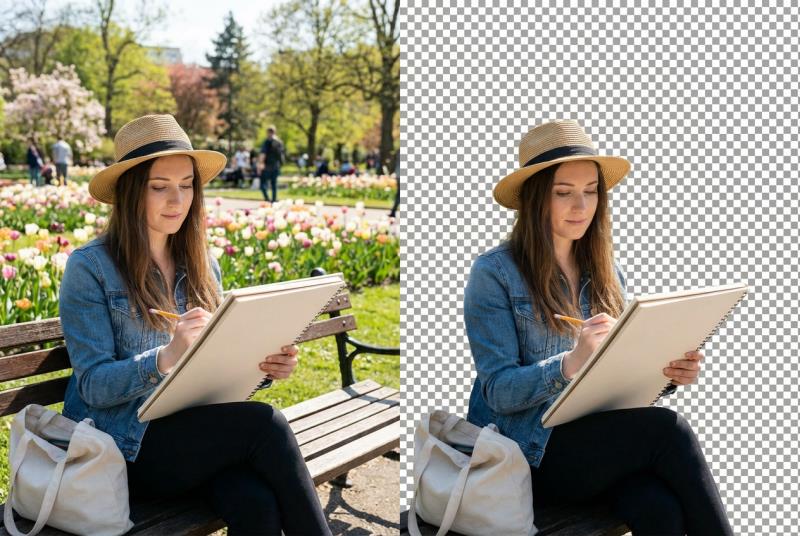
Free AI background remover with high precision

Strip backgrounds in one click. Built for hair, signatures, logos, and irregular shapes—clean, professional cutouts in seconds.

🎯 One-click cutouts for any photo, powered by AI

PixPal AI background remover tool preview

Remove a background in 3 simple steps

Step 1

Upload

Drag and drop or choose a file—JPG, PNG, and WebP supported.

Step 2

Erase

AI separates the subject and removes the background automatically, edges included.

Step 3

Download in HD

Download a transparent PNG, or continue in AI Background to place it in a new scene.

About the Tool

What Is AI Background Removal?

AI background removal finds your subject and separates it from the scene automatically. PixPal uses deep learning for clean edges on hair, fur, glass, and complex products—delivering transparent PNGs ready for design, e-commerce, or print.
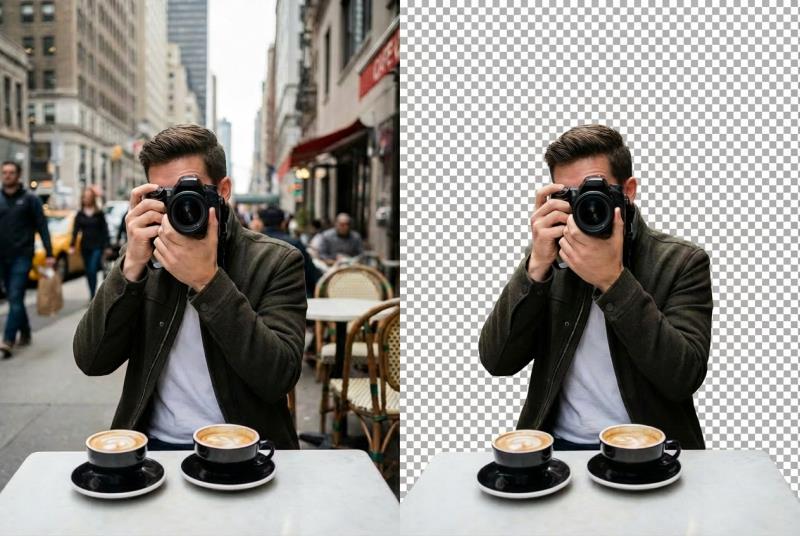
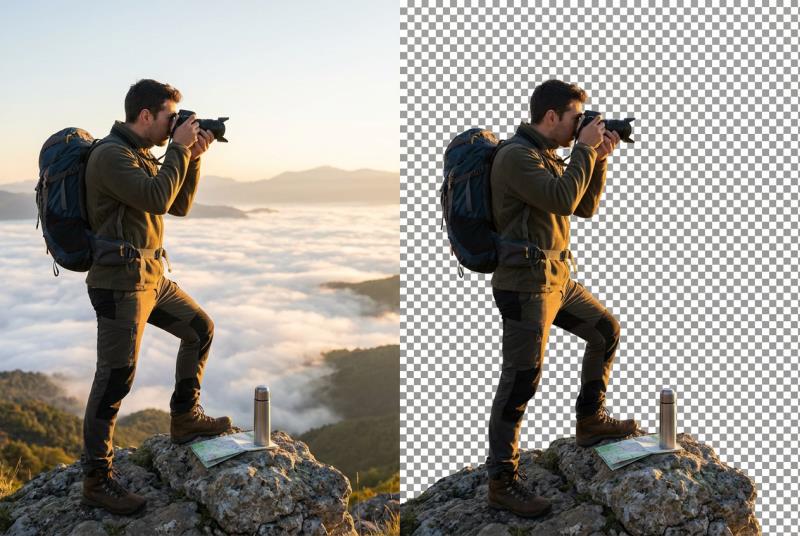
Studio-quality cutouts — HD export

Studio-quality cutouts — HD export

Our AI background remover keeps edges crisp without crushing detail. Results hold up for print, web, social, and presentations—even beginners get clean exports without watermarks.

Fast processing

Fast processing

Most cutouts finish in seconds, so you can move straight on to the next product photo, social post, or campaign asset.

Clean edges, done automatically

Clean edges, done automatically

The AI separates the subject from the background around hair, fur, and soft edges for you, with no brushes or lasso tools. If a small spot is left over, run AI Object Removal on the result.

Swap in a new background

Swap in a new background

Keep the transparent PNG, or open the cutout in AI Background to place your subject in a new scene. No design suite required.

From quick cutouts to full redesigns— it's all here

E-commerce

E-commerce

Clean product photos for Amazon, Shopify, Etsy, and more.

Social media

Social media

Eye-catching posts, stories, and banners in minutes.

Marketing

Marketing

Polished visuals for ads, flyers, and landing pages.

Personal projects

Personal projects

Cards, collages, stickers, and profile pictures.

FAQs

Still have questions? Our support team is here to help.

Free online photo editing with PixPal

From quick background removal to color edits, PixPal helps every photo look sharp, polished, and ready to share.