Nano Banana Pro AI Image Generator and Editor

Google's Nano Banana Pro (Gemini 3 Pro Image) is built for images that have to be right: clear text in many languages, accurate infographics, and consistent people and products. Combine up to 14 images, adjust lighting, focus, and camera angle, and export at 1K, 2K, or 4K.

💡 Tip: put the exact words you want in quotation marks, and say where they should appear

Text you can actually read

Headlines, labels, menus, and calligraphy come out sharp and correctly spelled, in many languages.

Thinks before it draws

It uses Gemini's reasoning and optional Google Search to get facts, layouts, and diagrams right.

Up to 14 images, 5 people

Combine products, logos, and portraits in one image while keeping up to five people recognizable.

Studio-style controls

Change lighting, camera angle, focus, and color grading, or edit just one part of the picture.

Three steps with Nano Banana Pro

Step 1

Add a reference

Upload a product photo, portrait, or mood board—or start from text only.

Step 2

Describe your vision

Describe the layout, style, lighting, and props. Nano Banana Pro understands long, detailed prompts.

Step 3

Generate & export

Pick your favorite result and download high-resolution files ready for stores and ads.

Introduce

What is Nano Banana Pro?

Nano Banana Pro is the nickname for Gemini 3 Pro Image, the image generation and editing model Google DeepMind released on November 20, 2025. It's built on Gemini 3 Pro, Google's most capable reasoning model at the time, and followed the original Nano Banana, which had become famous for its photo edits and character consistency. Google calls Nano Banana Pro its tool for studio-quality designs.

The biggest upgrade is how well it handles words and information. Nano Banana Pro can write sharp, correctly spelled text in many languages and a wide range of fonts, from bold poster headlines to hand-lettered calligraphy, and it can translate the text inside an existing image. Because it reasons like Gemini before it draws, it's good at turning notes, recipes, and data into clear infographics and diagrams. It can also use Google Search to check facts, such as a weather forecast or a sports score, before creating a visual.

Nano Banana Pro also gives you more control. You can blend up to 14 images into one composition while keeping up to five people recognizable, edit just one part of a picture, and change the camera angle, focus, color grading, or lighting—for example, turning a daytime scene into night. On PixPal you can use it for text-to-image and image-to-image, choose 1K, 2K (the default), or 4K, and pick from 11 aspect ratio options, including Auto, 4:5 for Instagram, and 21:9 for cinematic banners.
What you can make with Nano Banana Pro

Designs, explainers, and brand visuals where accuracy matters as much as looks.

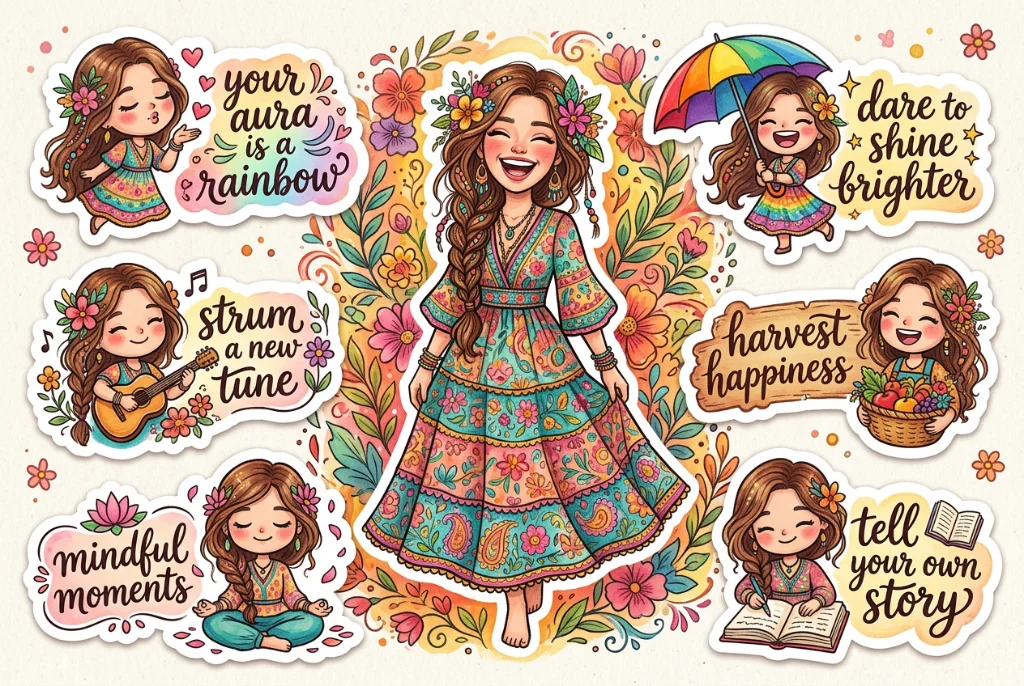
Colorful sticker sheet with hand-lettered phrases created with Nano Banana Pro

Posters, stickers, and designs with text

Create event posters, menus, greeting cards, sticker sheets, and social graphics where the words are part of the design. Nano Banana Pro handles short slogans and longer lines, many font styles, and languages beyond English. Put the exact text in quotation marks, describe the font and placement, and always proofread before you print.

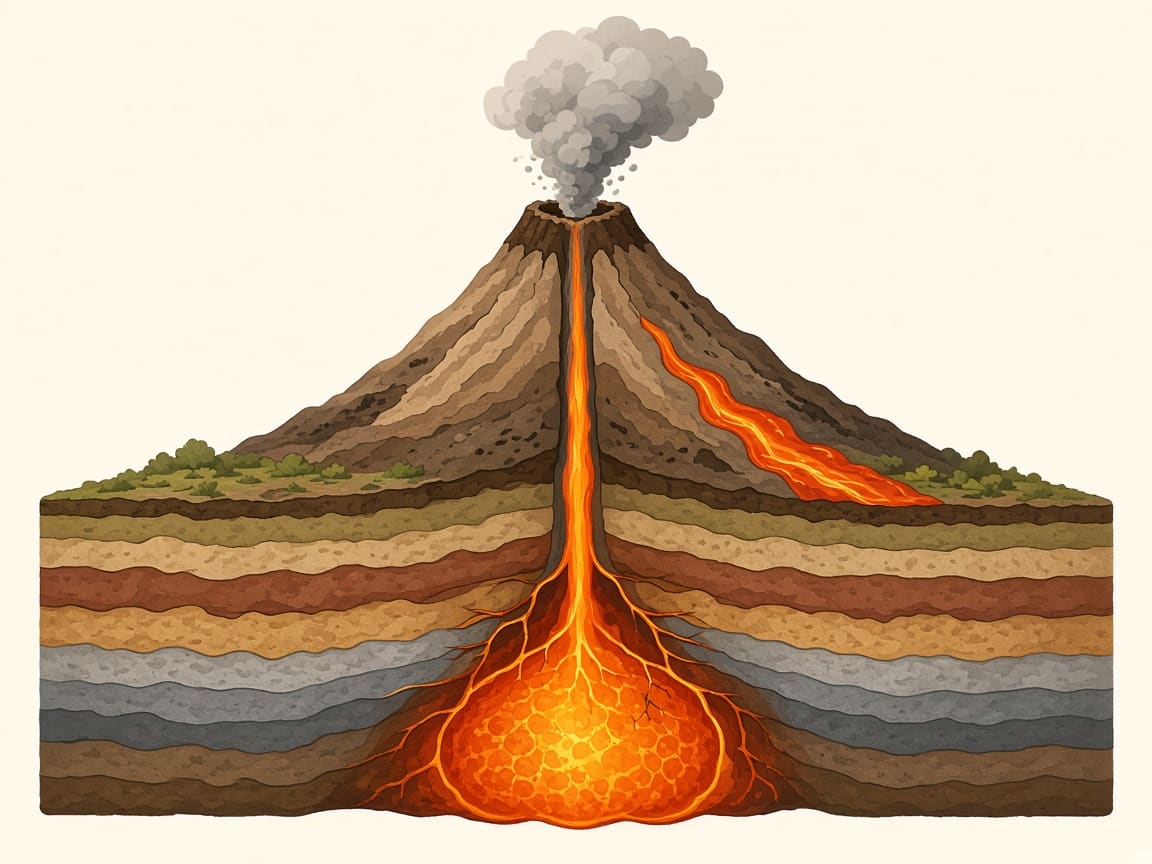
Educational cross-section of a volcano made with Nano Banana Pro

Infographics, diagrams, and explainers

Ask for a step-by-step recipe card, a labeled science diagram, a timeline, or a chart built from your own numbers. Nano Banana Pro plans the layout like a designer and draws on Gemini's knowledge, so the information is organized and easy to follow. Teachers, marketers, and bloggers use it to explain ideas at a glance.

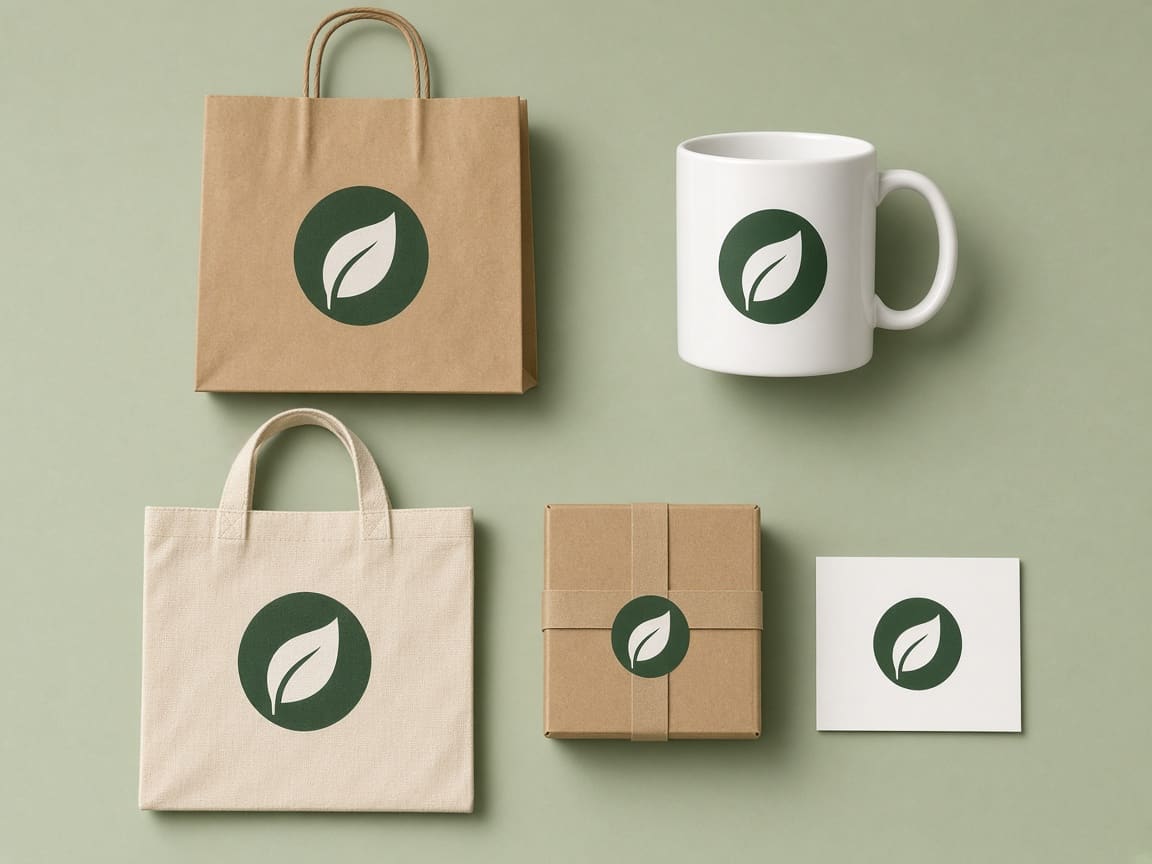
Leaf logo applied to a bag, mug, tote, box, and business card with Nano Banana Pro

Brand mockups and product ads

Upload your logo, product photos, and a style reference, and see them on shopping bags, mugs, packaging, billboards, or a model's T-shirt. Nano Banana Pro keeps logos, colors, and product details consistent across every mockup, which makes it useful for pitch decks, online stores, and ad campaigns before anything is printed.

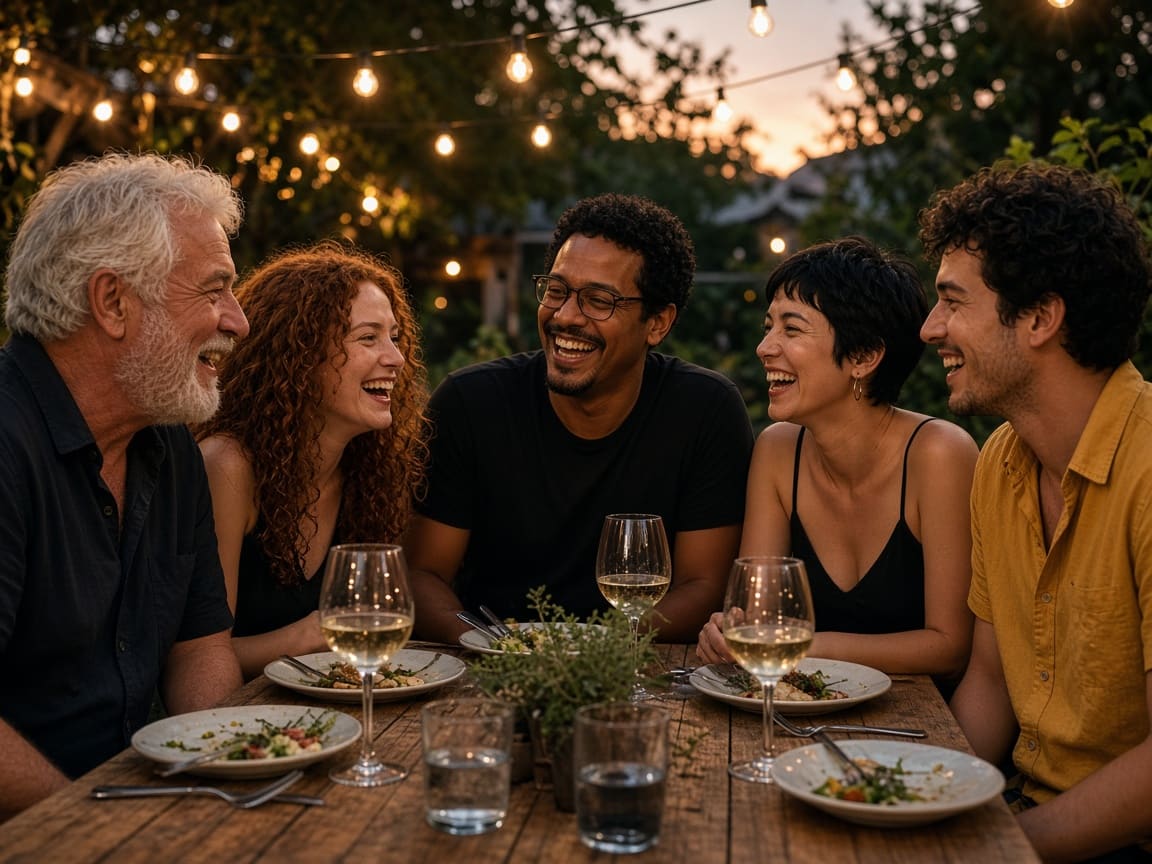
Five friends laughing at a candlelit garden dinner, created with Nano Banana Pro

Group photos and consistent characters

Put up to five people into one scene—a team photo, a family portrait, or a cast of characters—while each face stays recognizable. Upload a clear photo of each person, then describe the setting, clothes, and mood. It's also handy for keeping a mascot or story character looking the same across a whole series of images.

Nano Banana Pro features and settings

Everything you can control in the PixPal image studio.

Text to image

Describe the scene, the text, and the layout, and get a polished, ready-to-use image.

Image to image

Upload up to 14 images to edit, combine, restyle, or translate.

Web search

An optional switch that lets the model check facts on Google Search before drawing.

Up to five consistent people

Keep faces recognizable in group shots and across a series of images.

1K, 2K, and 4K

2K is the default. 1K and 2K cost the same; 4K costs more.

11 aspect ratio options

Auto, 1:1, 2:3, 3:2, 3:4, 4:3, 4:5, 5:4, 9:16, 16:9, and 21:9.

Man in a wool coat on a snowy street at night, a realistic portrait made with Nano Banana Pro

Photo-real light and detail

Nano Banana Pro renders skin, fabric, snow, and reflections with the kind of lighting you'd expect from a professional shoot. It follows detailed directions about lenses, time of day, and mood, so portraits, product shots, and editorial images look natural rather than "AI-smooth." It's the Google model to pick when an image will be seen large or by a demanding client.

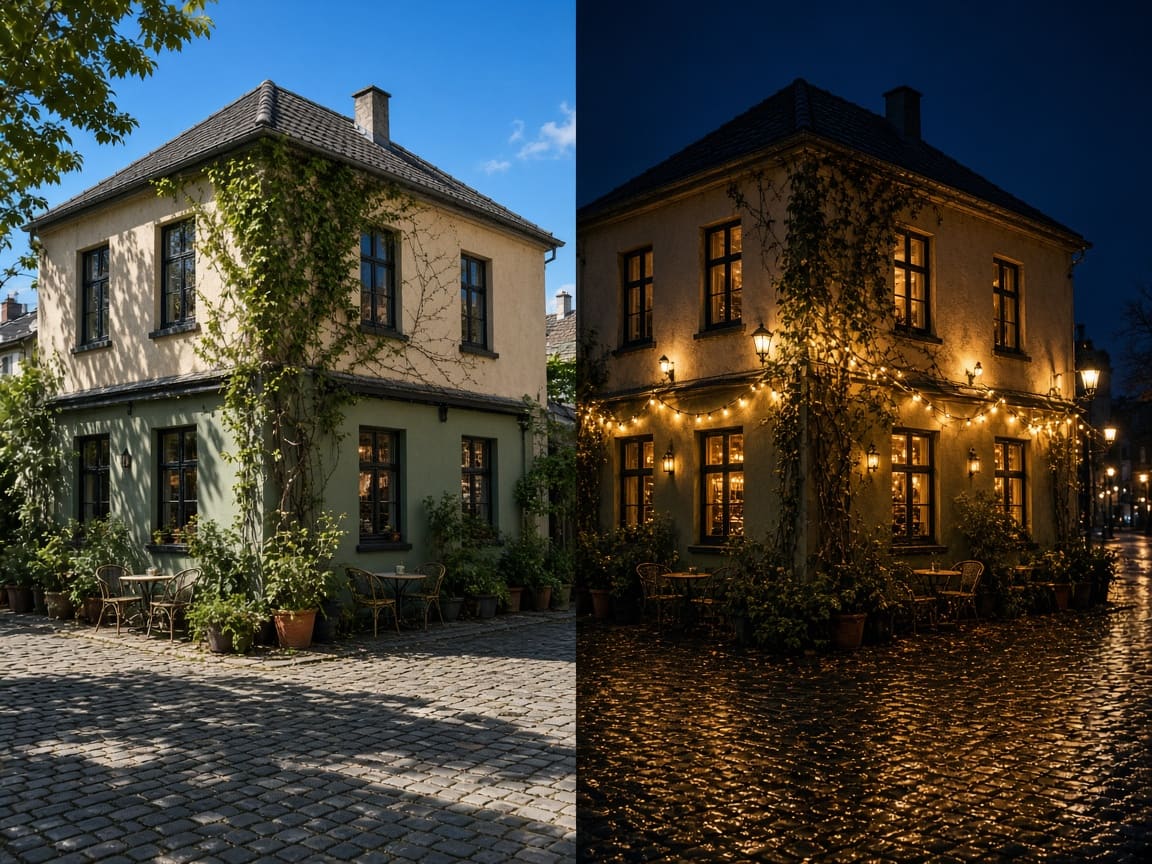
A café corner edited from sunny afternoon to glowing night with Nano Banana Pro

Change light, angle, and focus without starting over

Upload a photo and ask for a different time of day, a lower camera angle, a blurred background, or a warmer color grade. Nano Banana Pro can also edit just one area—swap a jacket, remove a sign, or change the sky—while leaving the rest of the image as it was. That saves you from regenerating the whole picture for a small change.

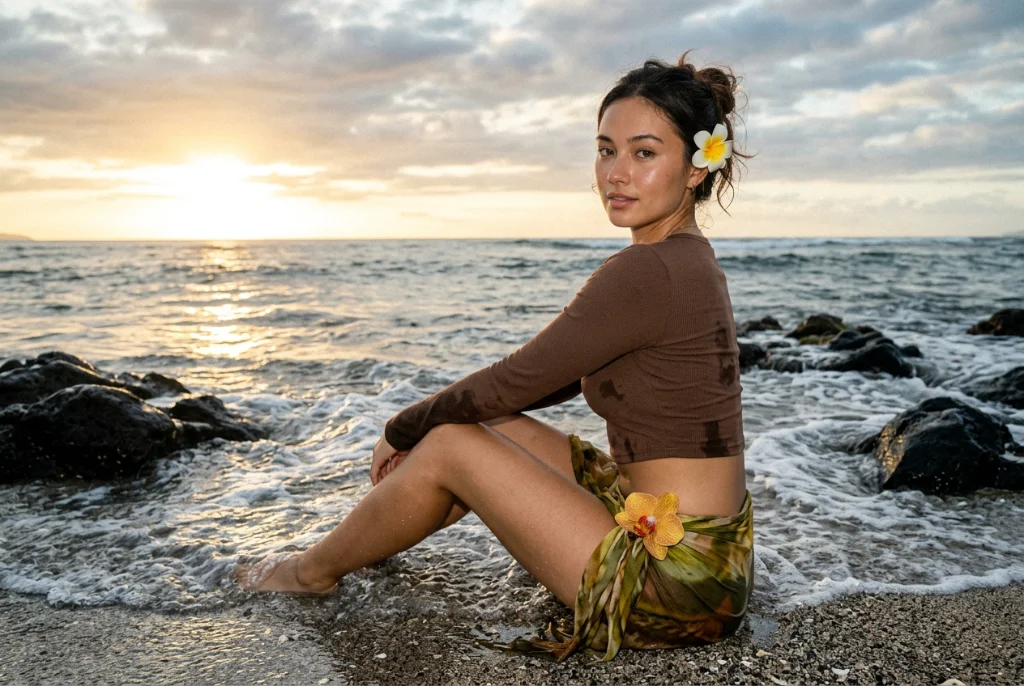
Woman sitting on a rocky beach at sunset in high detail, created with Nano Banana Pro

Sharp output from 1K to 4K

Choose 1K for quick checks, 2K for websites and social media, and 4K for print, posters, and images you plan to crop. On PixPal, 1K and 2K cost the same, so 2K is the better pick for everyday work. 4K costs more, so save it for images you'll print or crop.

What creators are saying

Our café menu came out of Nano Banana Pro with every dish name spelled right. I only fixed one price.

Maya Chen

Commercial photographer

I uploaded our logo and Nano Banana Pro put it on bags, mugs, and boxes in one go. The client picked a design in the first meeting.

Leo Park

Social media lead

I asked Nano Banana Pro to turn a daytime shop photo into a night scene, and nothing else in the picture changed.

Elena Voss

Creative director

Five people in one team photo and everyone still looks like themselves. Nano Banana Pro is the first tool that got that right for us.

Aisha Rahman

DTC brand owner

Nano Banana Pro FAQ

Everything you need to know about creating images with Google Nano Banana Pro on PixPal.

Start creating with Nano Banana Pro

Accurate text, polished designs, and studio-quality photos up to 4K—right in your browser.