Seedance 2.0 AI Video Generator with Sound

ByteDance's Seedance 2.0 turns a prompt, a photo, or a mix of images, video clips, and music into a 4–15 second video—with stereo sound created in the same pass. Realistic motion, multi-shot storytelling, and three versions to fit your budget: Mini, Fast, and Standard.

💡 Tip: test your idea on Mini first, then remake the best version on Standard

Four kinds of input

Mix text, images, video clips, and audio in one request.

Stereo sound built in

Music, ambient sound, and voices that follow the picture.

Realistic motion

Fights, dances, and group scenes that move naturally.

Mini, Fast, and Standard

Pick the version that fits your idea and budget.

Three steps with Seedance 2.0

Step 1

Add a reference

Upload a product photo, portrait, or mood board—or start from text only.

Step 2

Describe your vision

Describe the layout, style, lighting, and props. Seedance 2.0 understands long, detailed prompts.

Step 3

Generate & export

Pick your favorite result and download high-resolution files ready for stores and ads.

Introduction

What Is Seedance 2.0?

Seedance 2.0 is the AI video model from ByteDance's Seed team, officially launched on February 12, 2026, and it quickly became one of the most talked-about video models of the year. Compared with Seedance 1.5, ByteDance says it produces far more usable clips in hard scenes—fights, dances, sports, and several people interacting—with more accurate physics, more realistic detail, and much tighter control.

The big idea behind Seedance 2.0 is that you can show it what you want instead of only describing it. The model accepts four kinds of input at once: text, images, video, and audio. You can give it up to 9 images, 3 video clips, and 3 audio clips, and it will borrow the parts you point to—a character's face, a camera move, a dance rhythm, a visual effect, or the feel of a song. It can even follow a written storyboard. Sound is built in too: Seedance 2.0 creates two-channel stereo audio with background music, ambient sound, and voices that line up with the action on screen, and a single clip can contain several shots.

On PixPal, Seedance 2.0 comes in three versions. Mini is the most affordable way to test ideas, Fast is a quicker, lower-cost take on the full model, and Standard gives the best quality with up to 4K. You can create from text, bring a photo to life (with an optional last frame), or use the Reference to Video tab on Mini, Fast, and Standard to combine reference images, clips, and audio. Every version supports 4 to 15 seconds, seven aspect ratios, and a sound switch that doesn't change the price.
What You Can Make with Seedance 2.0

From product ads to action scenes, here is where Seedance 2.0 does its best work.

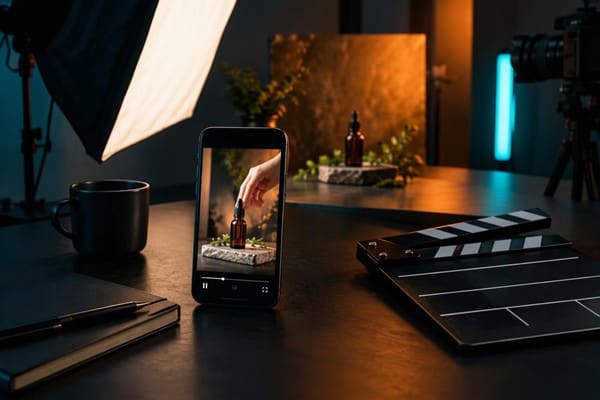
Phone showing a product video of a serum bottle on a studio table with a clapperboard

Product videos and ads

Upload a photo of your product and let Seedance 2.0 turn it into a short ad for TikTok, Instagram Reels, or YouTube Shorts: a hand picking up the bottle, a slow push-in, soft studio light. Use 9:16 for vertical feeds and 16:9 for YouTube. ByteDance built the model with ecommerce and advertising in mind, so it keeps your product looking the same from start to finish.

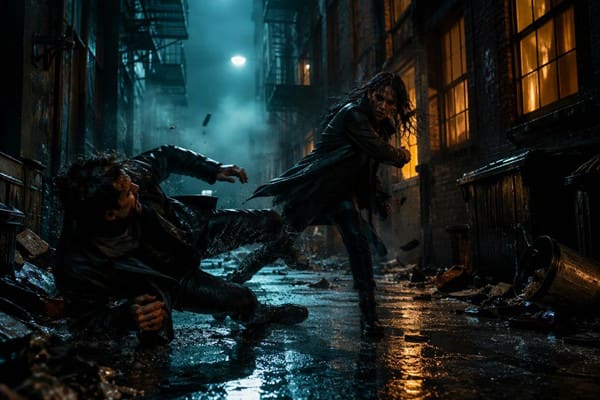
Two characters fighting in a rainy neon alley made with Seedance 2.0

Action, dance, and sports scenes

Scenes with fast movement and several people are where many video models fall apart. Seedance 2.0 was trained to handle them: punches land, fabric swings, dancers stay in step, and bodies keep their shape. Describe who does what and in what order, or upload a reference clip of the move you want to copy.

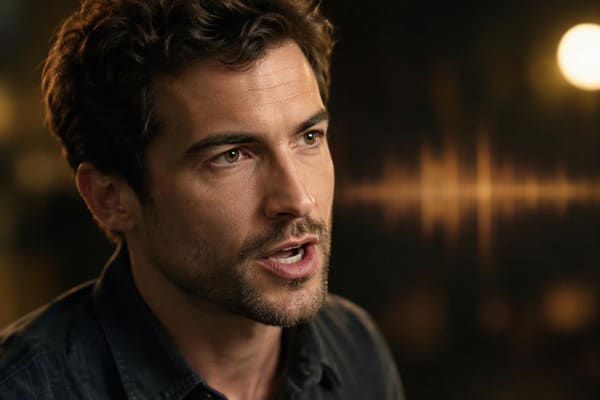
Close-up of a man speaking with a sound wave glowing behind him, made with Seedance 2.0

Talking characters and short stories

Write a few lines of dialogue and Seedance 2.0 creates the voices, the room sound, and the music along with the picture. A single clip can include several shots, so a 15-second video can open wide, cut to a close-up, and end on a reaction. It's a quick way to make short dramas, explainer skits, and story posts.

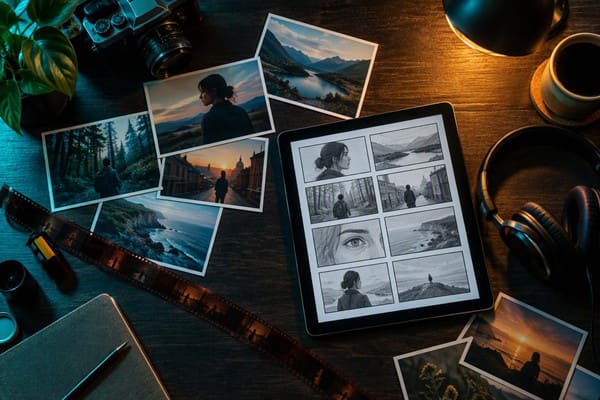
Tablet showing a storyboard surrounded by reference photos and film strip

Videos built from your own references

In the Video to Video tab you can combine up to 9 images, 3 video clips, and 3 audio files in one request. Use a photo for the character, a clip for the camera move, and a song for the rhythm, then explain in your prompt what each file is for. This is how you keep the same face, outfit, or location across a whole series.

Seedance 2.0 Features and Settings

Everything you can adjust in the PixPal video studio.

Text to video

Describe the scene, the action, and the camera, and get a finished clip.

Image to video

Bring a photo to life, with an optional second image as the last frame.

Video to video

Up to 9 images, 3 video clips, and 3 audio files.

4 to 15 seconds

Pick any length in whole seconds; the default is 5.

480p up to 4K

Mini and Fast go up to 720p; Standard adds 1080p and 4K.

Seven aspect ratios

Adaptive, 16:9, 9:16, 1:1, 4:3, 3:4, and 21:9.

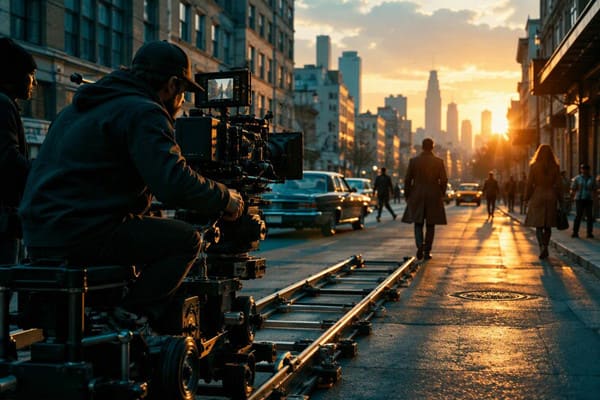
Camera operator on a dolly track filming a city street at sunset

Direct the camera like a filmmaker

Seedance 2.0 understands camera language. Write "slow dolly forward," "handheld follow shot," or "orbit around the dancer" and the camera moves that way. If words aren't enough, upload a short video with the movement you like and ask the model to copy it. You get shots that feel planned rather than random.

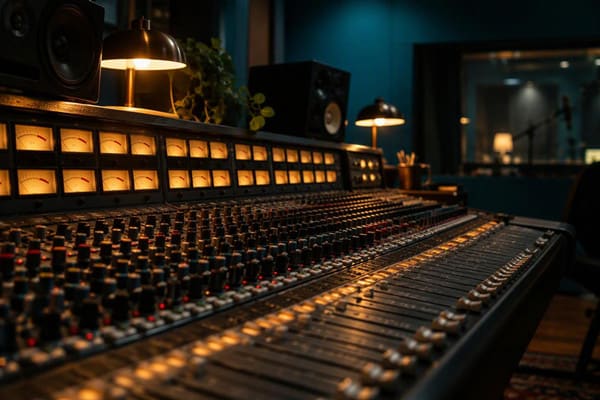
Warmly lit mixing console in a music studio

Sound included at no extra cost

With the sound switch on, Seedance 2.0 creates stereo audio with the video: background music, footsteps, wind, crowd noise, and dialogue, all timed to the picture. On PixPal the price is the same with or without sound. Turn it off when you plan to add your own music or voice-over later.

Dramatic sunset over a river valley made with Seedance 2.0

Three versions, one workflow

Mini uses the fewest credits, Fast sits in the middle, and Standard costs the most. Try several prompts on Mini, pick the one that works, and remake it on Standard—which also offers 1080p and 4K—for the final version. Everything happens in the same studio, and the credits work across every model on PixPal.

What creators are saying

I test prompts on Seedance 2.0 Mini at about half the credits of Standard, then remake the winner.

Maya Chen

Commercial photographer

I uploaded a dance clip as a reference and Seedance 2.0 copied the moves with my own character.

Leo Park

Social media lead

The footsteps and rain in my Seedance 2.0 video matched the picture, so I didn't need to add sound.

Elena Voss

Creative director

Our product stays the same from the first frame to the last in every Seedance 2.0 ad we make.

Aisha Rahman

DTC brand owner

Seedance 2.0 FAQ

Everything you need to know about creating videos with ByteDance Seedance 2.0 on PixPal.

Start Creating with Seedance 2.0

Videos with stereo sound from text, photos, or your own references—4 to 15 seconds, right in your browser.