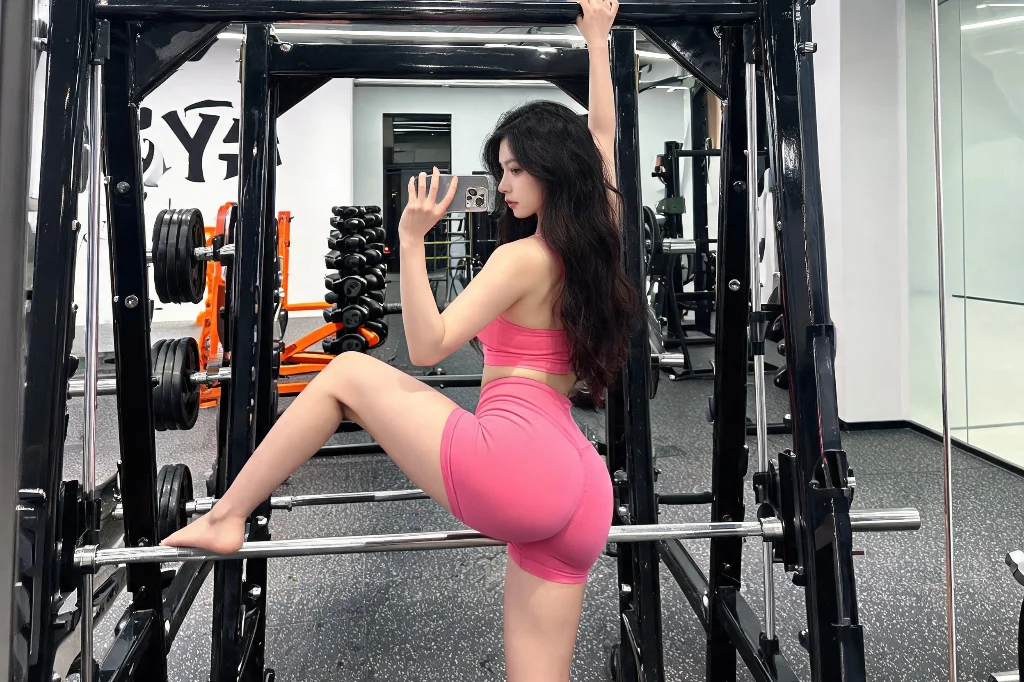
Seedream 5.0 - AI That Reasons Before It Draws

ByteDance’s production image model on PixPal plans composition before it draws. Seedream 5.0 Pro is built for marketing and product teams who need accurate, editable stills—not random one-shots.

✨ Seedream 5.0 Pro on PixPal — draft first · raise quality for finals · optional transparent PNG

Plans before it draws

Decomposes complex briefs so layout and objects land closer on the first useful pass.

Edit-friendly production

Refine products and scenes across turns without starting from zero.

Reference-led variants

Guide identity and style with multiple references for coherent sets.

Cutout-ready exports

Optional transparent backgrounds when you need stickers or composites.

Three steps with Seedream 5.0

Step 1

Add a reference

Upload a product photo, portrait, or mood board—or start from text only.

Step 2

Describe your vision

Describe the layout, style, lighting, and props. Seedream 5.0 understands long, detailed prompts.

Step 3

Generate & export

Pick your favorite result and download high-resolution files ready for stores and ads.

Overview

What is Seedream 5.0

Seedream 5.0 is ByteDance’s fifth-generation image family. On PixPal you get Seedream 5.0 Pro—stronger prompt planning and edit control than 4.5 for specification-heavy briefs. Text-to-image and image-to-image share one studio with up to 10 references; optional transparent backgrounds help cutouts and compositing. Lite is not offered on PixPal.


Where Seedream 5.0 shines

Four production briefs on PixPal Pro—high-fidelity stills, edit stability, and reference-led variants for shipping teams.

Seedream 5.0 AI image generation overview

Ecommerce catalog at scale

Generate consistent pack and lifestyle heroes across SKUs. Lock product identity in the prompt, vary only backdrop or season so the catalog feels coherent.

Chain-of-thought reasoning for AI images

Campaign key visuals

Build launch KV with fine texture and lighting control. Approve composition mid-quality, then climb for print or large OOH exports.

Complex brief planning for Seedream 5.0

Multi-turn product edits

Refine labels, colors, or props across turns without losing the hero silhouette—ideal when stakeholders request one change at a time.

Iterative reference editing on PixPal

Reference-matched styles

Attach brand or mood references and request new frames in the same visual language—faster than reinventing the look each week.

Key Capabilities of Seedream 5.0

What you get in-studio—details live in FAQ.

Text to image

Prompt-led stills for products, posters, and marketing frames.

Image to image

Edit with up to 10 references on PixPal Pro.

Quality tiers

1K / 1.5K / 2K—climb after the frame is right.

Transparent background

Optional alpha for cutouts—pair with PNG when needed.

Prompt priority

Standard or Fast pacing when the brief allows.

Flexible framing

Common ratios plus explicit sizes for fixed slots.

Production-ready AI image quality

Layouts that hold for catalogs and KV

Seedream 5.0 is built for frames where hierarchy matters—subject placement, safe margins, and object relationships. Spell out the must-keep elements in your prompt; the model follows clear briefs better than vague “make it premium” requests.

Spatial reasoning in AI scenes

Edit the scene without losing the product

Swap props and backdrops across turns while the hero product stays usable. Lock silhouette and logo zones in every prompt so you are not regenerating the whole pack for a label tweak.

Fast AI image iteration

Raise resolution after the idea is right

Draft at 1K, review at 1.5K, deliver at 2K when the composition is approved. Top quality is for shipping—not every early exploration pass.

What creators are saying

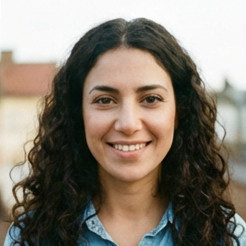
Seedream 5.0 hits the sweet spot for catalog heroes—sharp enough, not overkill on credits.

Maya Chen

Commercial photographer

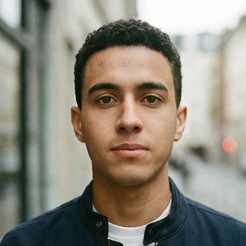
Multilingual poster type on Seedream 5.0 finally matches what our localization team sketched.

Leo Park

Social media lead

Reference-guided edits in Seedream 5.0 keep the hero product locked while we restyle the set.

Elena Voss

Creative director

We standardize on Seedream 5.0 for Seedream work unless the brief explicitly needs Pro or 4.5.

Aisha Rahman

DTC brand owner

Seedream 5.0 FAQ

Common questions about ByteDance Seedream 5.0 and using it on PixPal.

Create with Seedream 5.0 Today

Experience ByteDance's reasoning-first image model on PixPal. Generate accurate, editable visuals for campaigns, products, and creative projects — all in one place.