Seedream 4.5 AI Image Generator

ByteDance's Seedream 4.5 makes sharp 2K and 4K images, up to 15 at a time, and keeps your product or person looking the same from shot to shot. Clear small text, lifelike light, and up to 14 reference images—all at a low price per image.

đź’ˇ Tip: Generate several versions at 2K, then remake your favorite in 4K

Sharp 2K and 4K

Fine textures and clear details, ready for web, print, and big screens.

Up to 15 at once

Get a whole set of options from one prompt and keep the best.

Combine up to 14 images

Blend products, people, and styles from many photos into one picture.

Affordable 4K

The lowest-cost 4K option on PixPal.

Three steps with Seedream 4.5

Step 1

Add a reference

Upload a product photo, portrait, or mood board—or start from text only.

Step 2

Describe your vision

Describe the layout, style, lighting, and props. Seedream 4.5 understands long, detailed prompts.

Step 3

Generate & export

Pick your favorite result and download high-resolution files ready for stores and ads.

Introduction

What Is Seedream 4.5?

Seedream 4.5 is an image generation and editing model from ByteDance, released on December 3, 2025. It builds on Seedream 4.0, which was already known for combining image creation and photo editing in one model. For 4.5, ByteDance says it scaled up the whole model and focused on the problems people ran into in real work: products that changed shape between shots, small text that came out blurry, and faces that looked off when they filled only a tiny part of the picture.

The result is a model that is careful with details. When you give it several reference photos, Seedream 4.5 picks out the main subject in each one and keeps its details—a logo spot, a stitch, a hairstyle—when it builds the new image. Posters and packaging get cleaner layouts and more readable small text. Light, color, depth, and proportions look more natural, and complicated prompts with many elements are followed more closely. In ByteDance's own tests, it scored higher than Seedream 4.0 on prompt following, matching the references, and overall look.

On PixPal, Seedream 4.5 handles both text-to-image and image-to-image. You can upload up to 14 reference images, pick 2K or 4K output, and create anywhere from 1 to 15 images in a single run. There are 10 aspect ratios, from square 1:1 to wide 21:9, plus an Auto option that matches your uploaded photo. It is the most budget-friendly way to get 4K images on PixPal. If you need text in many languages or edits where you point to a spot, look at the newer Seedream 5.0 Pro.
What You Can Make with Seedream 4.5

Four everyday jobs where sharp detail and a steady look matter most.

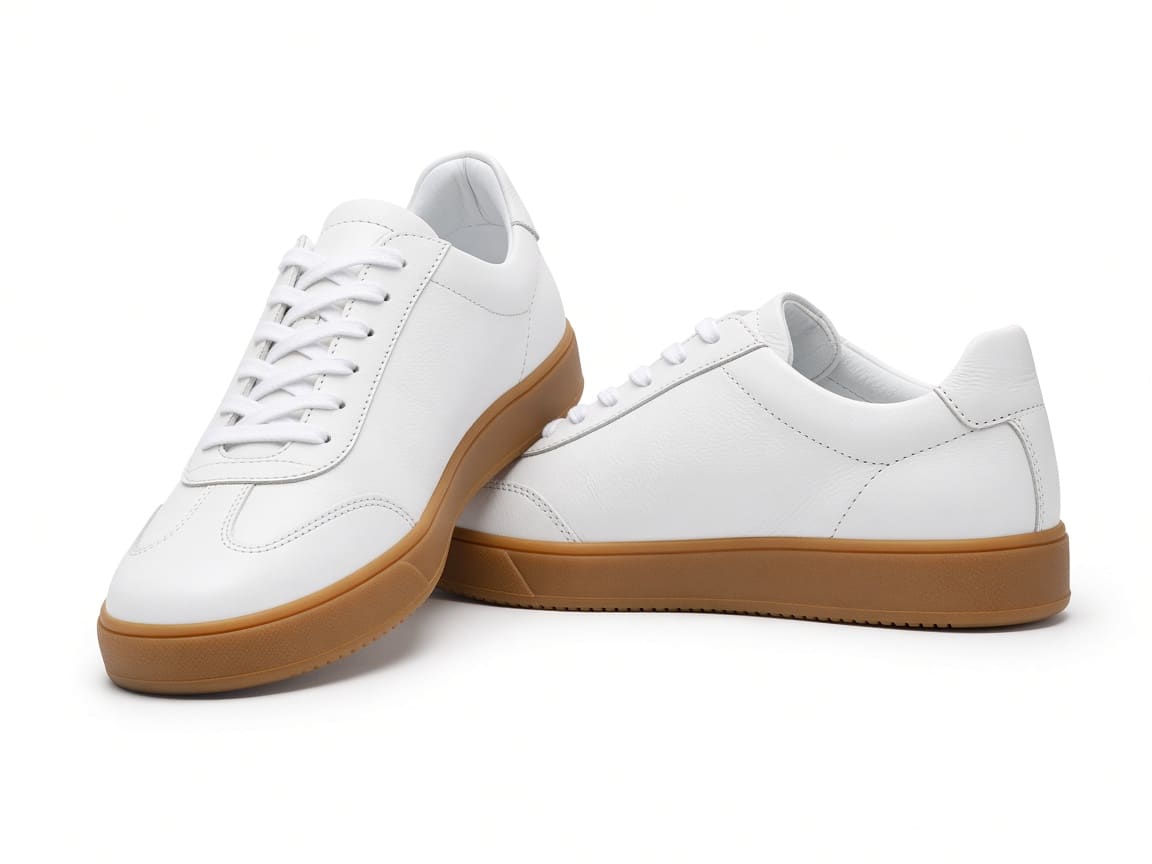
Pair of white leather sneakers with gum soles on a white background made with Seedream 4.5

Product photos for online stores

Make clean main images on a white background, plus lifestyle shots, for Shopify, Amazon, Etsy, or eBay. Upload a few photos of your product and Seedream 4.5 keeps its shape, color, and small details the same in every new scene. Choose 4K for the main gallery image so shoppers can zoom in on stitching, texture, and finish.

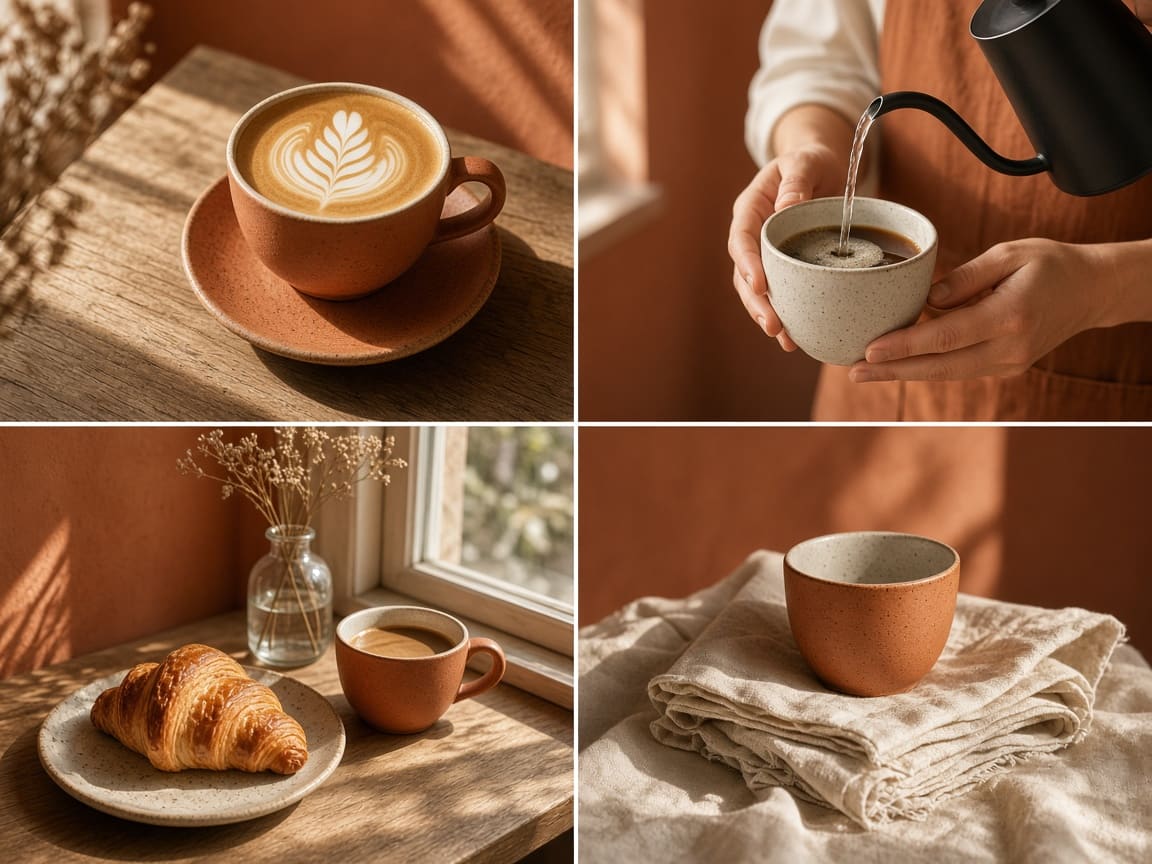
Four matching terracotta-toned coffee shop photos made with Seedream 4.5

Matching social media posts

Plan a week of Instagram or Pinterest posts that look like they belong together. Describe your colors, light, and mood once, generate a batch, and keep the tiles that fit your feed. Use 4:5 for Instagram, 9:16 for Stories and Reels covers, and 2:3 for Pinterest pins.

Close-up beauty portrait with orange cat-eye sunglasses and hoop earrings made with Seedream 4.5

Fashion and beauty portraits

Create editorial-style portraits for lookbooks, beauty ads, and profile pictures. ByteDance improved how Seedream 4.5 draws faces, skin, and makeup, including faces that appear small in a wide shot. Upload reference photos of an outfit or accessory and it will keep the details while you change the pose, background, or lighting.

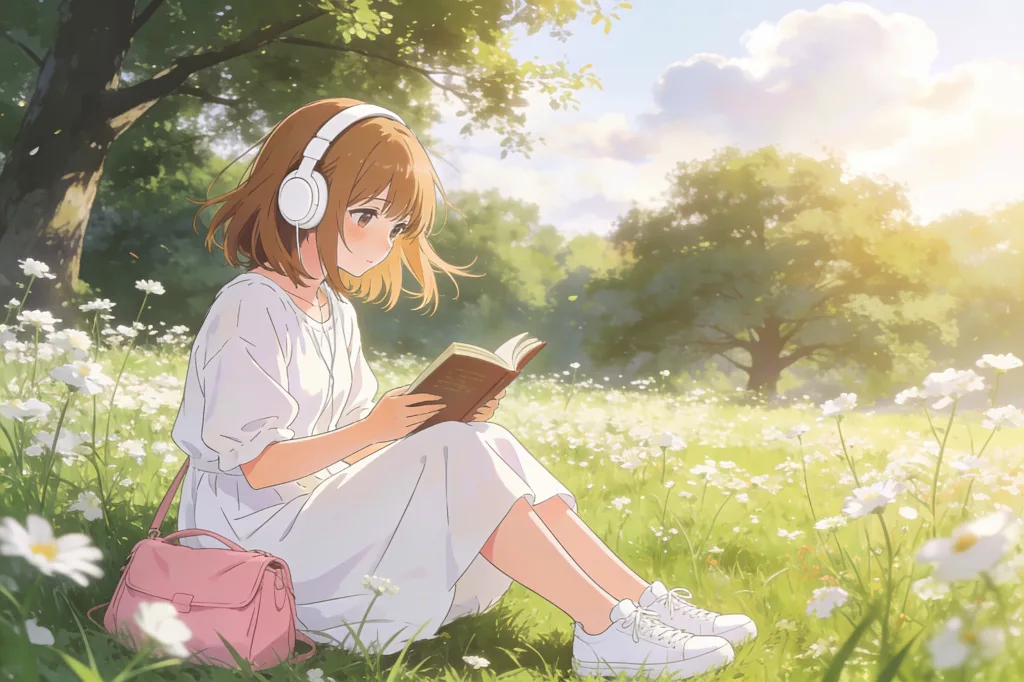
Anime girl with headphones reading a book in a flower meadow made with Seedream 4.5

Illustrations and anime art

Seedream 4.5 is not only for photos. Ask for anime scenes, children's book pages, watercolor landscapes, or game concept art, and it holds the style steady across a series. Generating several at once makes it easy to compare looks before you settle on the one for your story, channel banner, or wallpaper.

Seedream 4.5 Features and Settings

Everything you can adjust in the PixPal image studio.

Text to image

Describe a product, a poster, or a scene and get finished images.

Image to image

Upload up to 14 reference images to edit, restyle, or combine.

2K or 4K

2K by default; switch to 4K for zooming, print, and large screens.

1 to 15 images per run

Pick how many versions you want from a single prompt.

10 aspect ratios

1:1, 2:3, 3:2, 3:4, 4:3, 4:5, 5:4, 9:16, 16:9, and 21:9, plus Auto for image to image.

Clear small text

Cleaner titles and small print on posters and packaging.

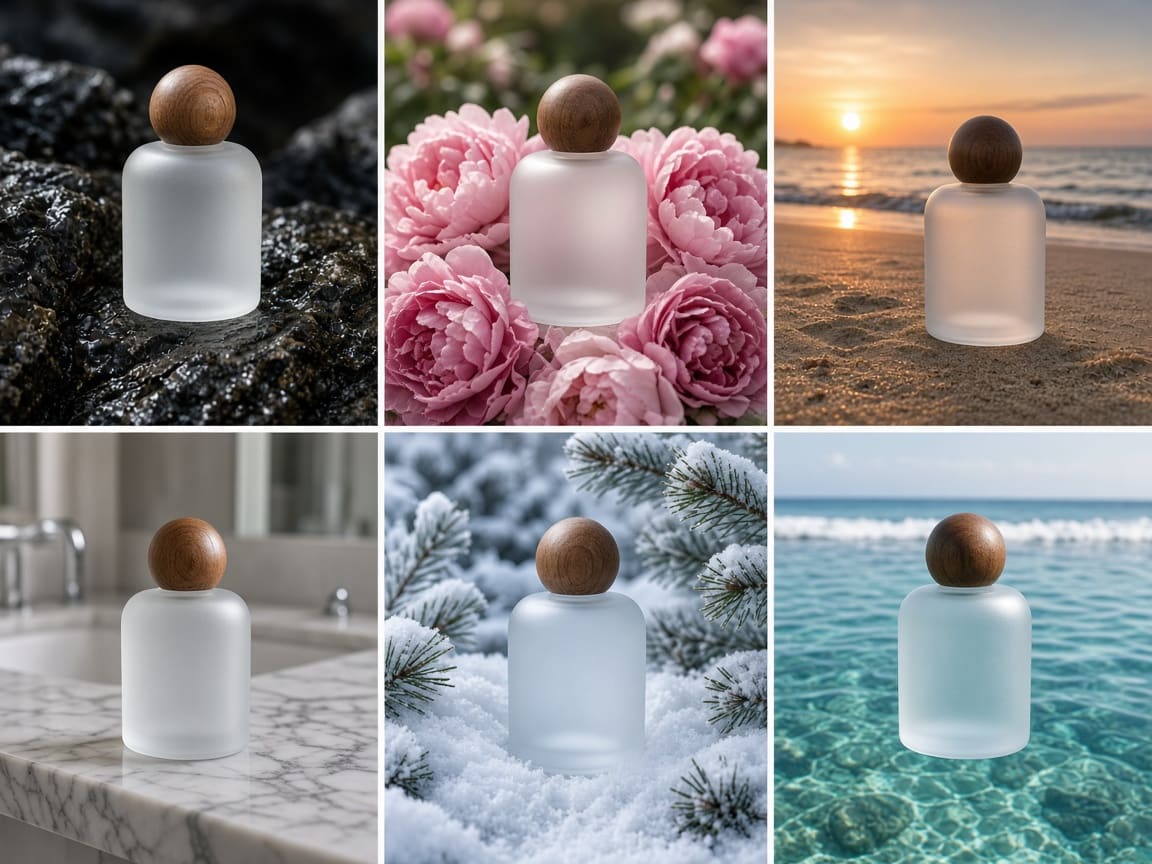
The same frosted perfume bottle in six different scenes made with Seedream 4.5

Up to 15 images from one prompt

Set the image count to anything from 1 to 15 and Seedream 4.5 returns a full set in one go. Ask for "the same bottle on rocks, in flowers, on a beach, in snow" and you get a ready-made series that looks like one photo shoot. It's the fastest way to explore ideas, and the low per-image price keeps even a large batch affordable.

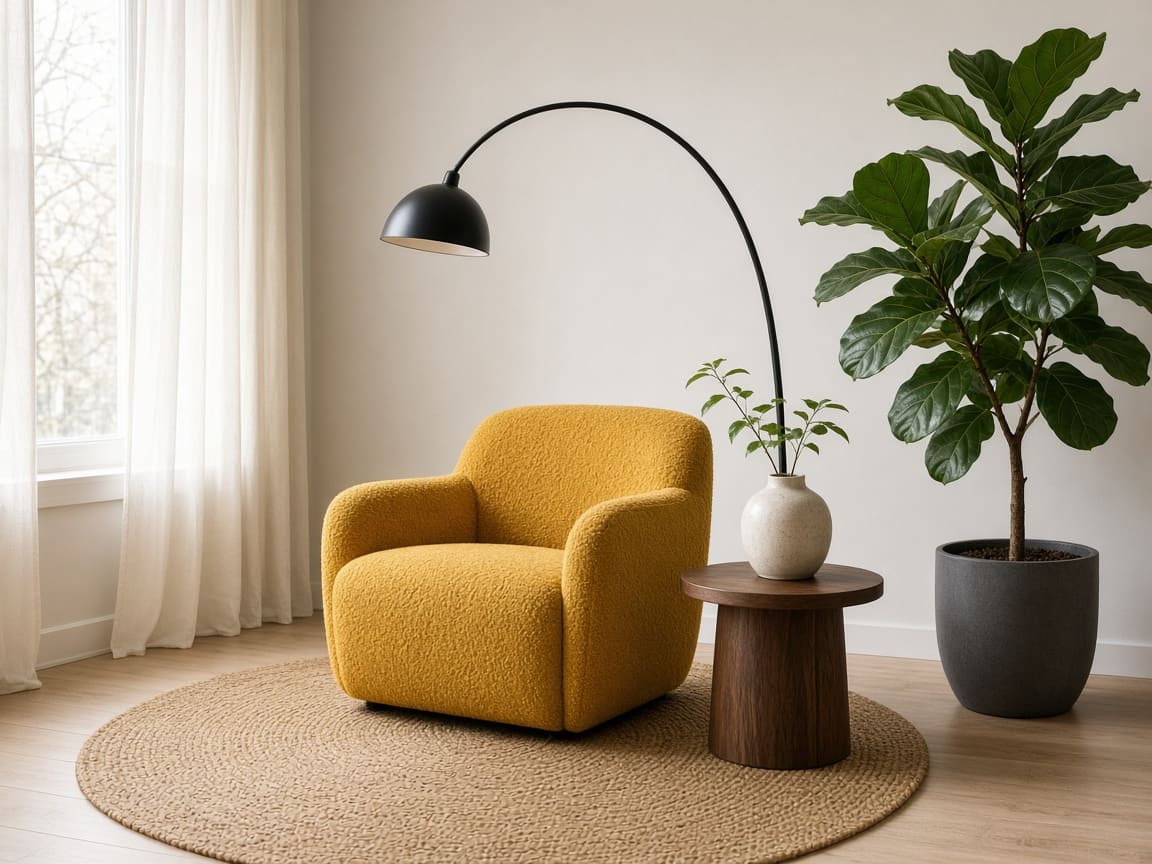
Mustard armchair, black arc lamp, jute rug, and fig plant combined in one room with Seedream 4.5

Combine up to 14 reference photos

Seedream 4.5 is good at spotting the main subject in each uploaded photo and keeping its details. Upload an armchair, a lamp, a rug, and a plant, and it arranges them in one room with matching light and shadows. Use the same approach to put a model in your clothing, place several products in one scene, or build a mood board into a finished image.

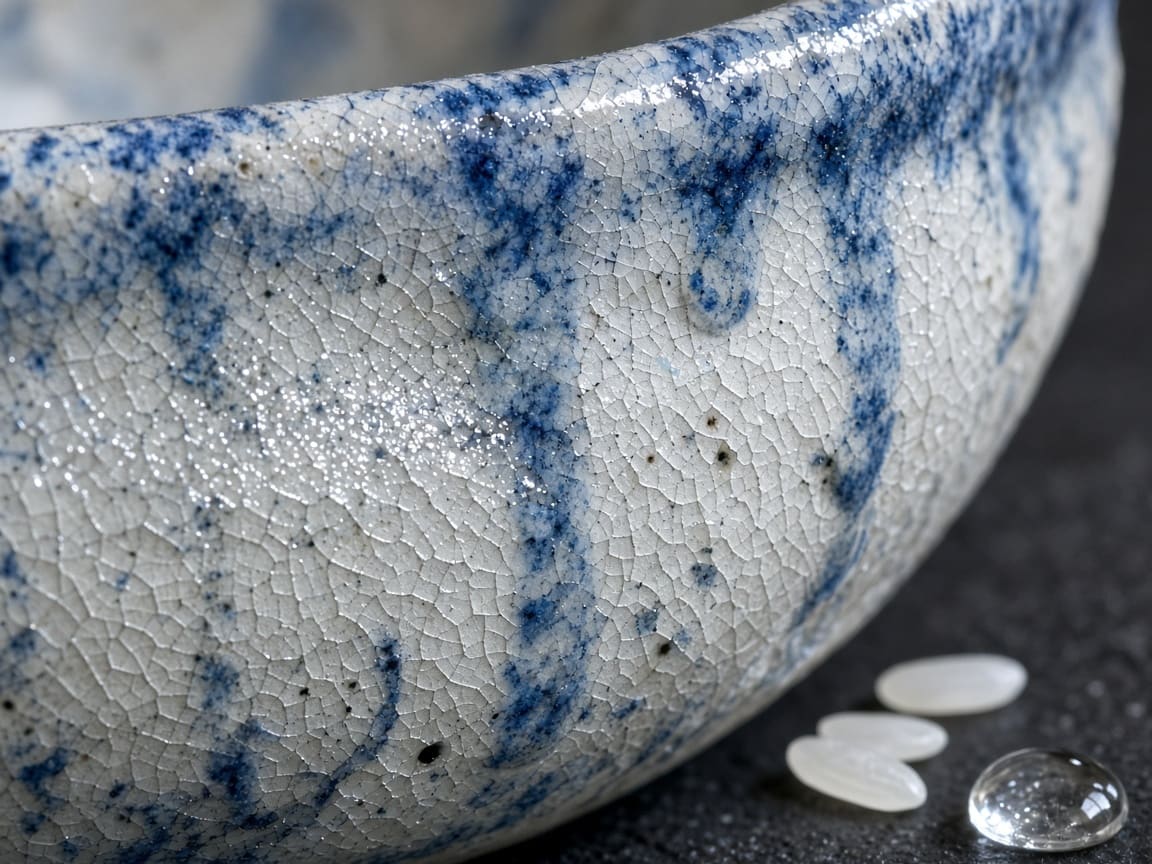
Macro view of a blue and white crackle-glazed bowl with rice grains made with Seedream 4.5

Details that hold up in 4K

Choose 4K when you need to zoom in, print, or fill a large screen. Seedream 4.5 keeps fine textures like glaze cracks, fabric weave, and water drops crisp, and ByteDance specifically improved small text and small faces. A good habit is to try ideas at 2K, then remake the winner in 4K. The credit cost is the same.

What creators are saying

I made 15 versions of my candle photo with Seedream 4.5 in one go and picked the best three.

Maya Chen

Commercial photographer

Shoppers zoom in on our 4K listing photos from Seedream 4.5 and you can see every stitch.

Leo Park

Social media lead

I uploaded five pieces of furniture and Seedream 4.5 put them in one room that looks real.

Elena Voss

Creative director

Seedream 4.5 is how I get 4K without worrying about my budget.

Aisha Rahman

DTC brand owner

Seedream 4.5 FAQ

Everything you need to know about creating images with ByteDance Seedream 4.5 on PixPal.

Create Sharp 4K Images with Seedream 4.5

Product photos, social sets, and portraits—up to 15 at a time, right in your browser.